
The global social birding network. Built by birders, for birders. Developed from the ground-up and fit for purpose. No ads, no off-topic noise, not a single non-birding post, no pop-ups that you're not interested in — just sightings, photos, videos, and the birding community you care about.
(Click 'Sign up' on the next screen to create your account)
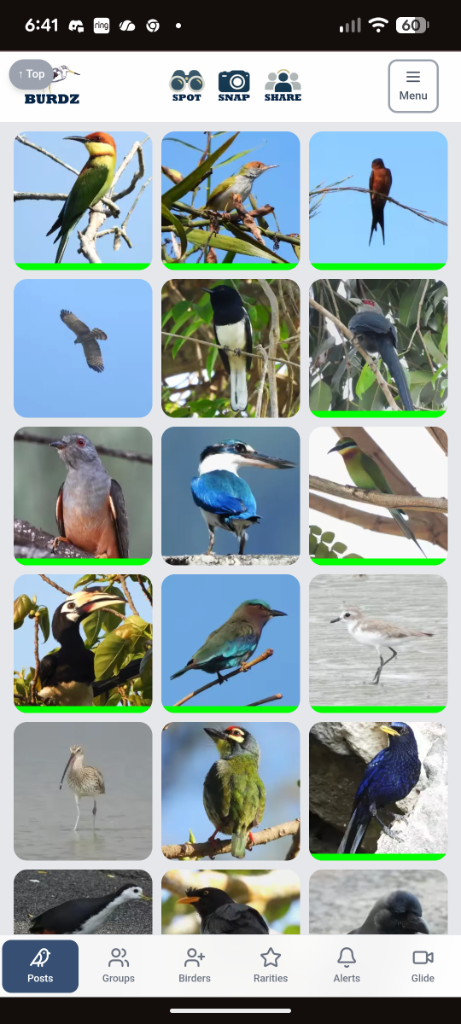
Everything a birder needs
One app. Every bird. Every birder.
Spot. Snap. Share.
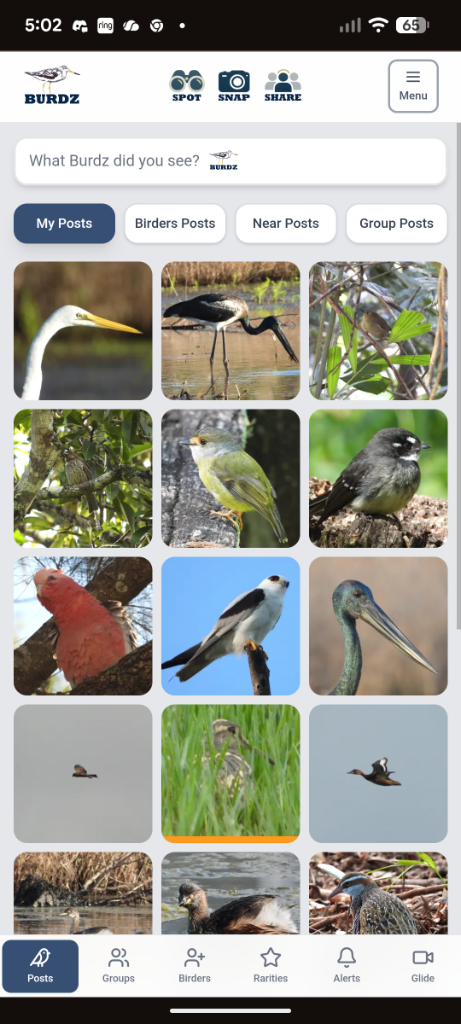
Post your bird sightings with photos, videos and audio. Add species tags, locations and rarity categories.
Global Community
Connect with birders worldwide. Join local, regional and country observation groups.
Birders Network
Add Birders, send direct messages and share your best sightings with your network.
Rarities & Lifers
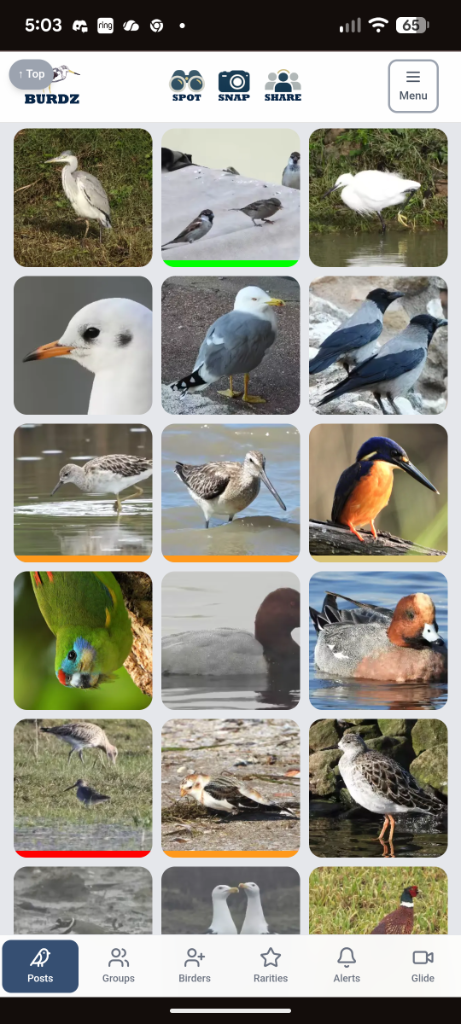
Track Lifers, Rare, Uncommon and Mega sightings with a colour-coded rarity system.
Bird ID
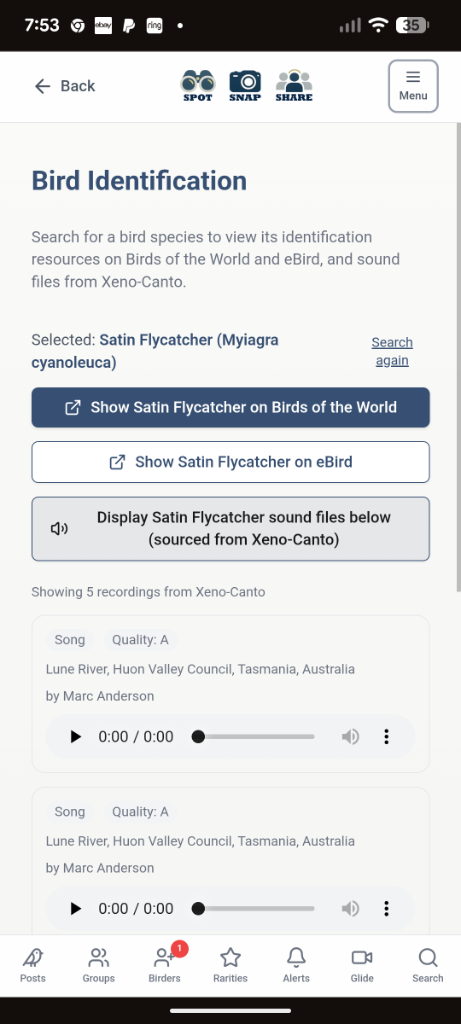
Search bird species, listen to recordings from Xeno-Canto and access Birds of the World.
Bird Lists
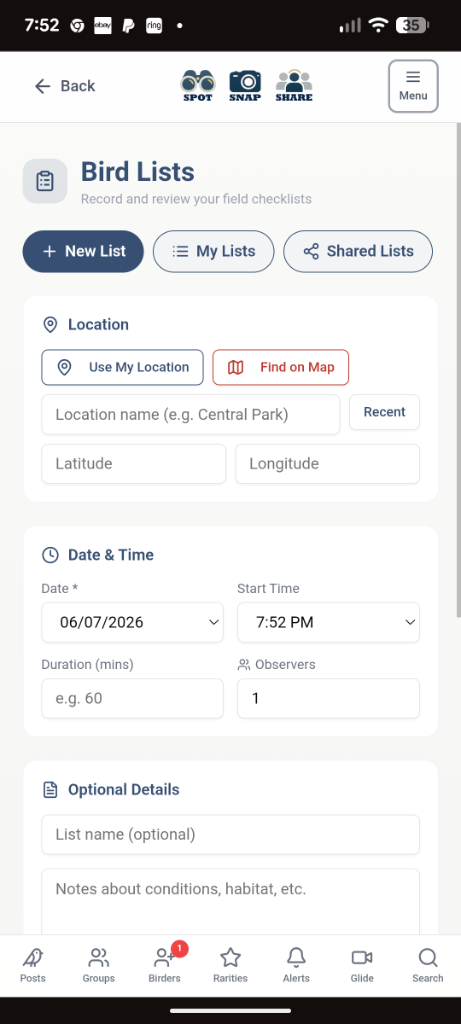
Log observation sessions with species counts, GPS tracks and share lists with fellow birders.
Vidi
View a continuous stream of the latest video posts worldwide.
Search
Find anything in the app with a powerful search engine.
Albums
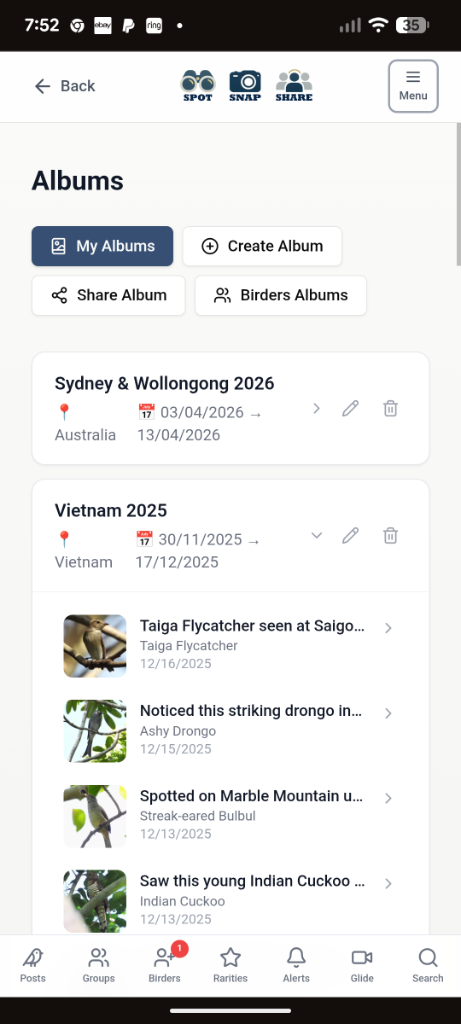
Save your birding trips or favourite locations into customised albums that you can even share with your birder friends.
Buy
Browse the Burdz Store for unique hats, clothes and other items.
Noticeboard
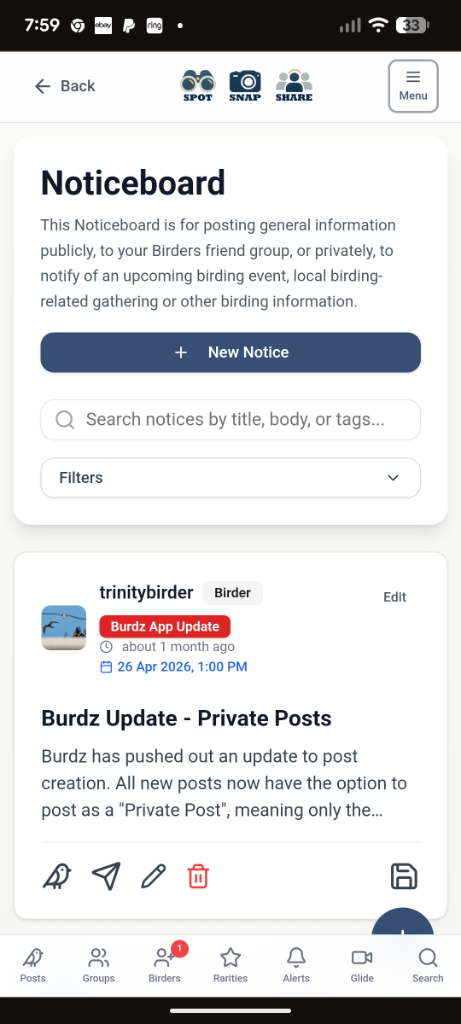
Post important events — birdathons, big days, meetings, meet-ups and club events.
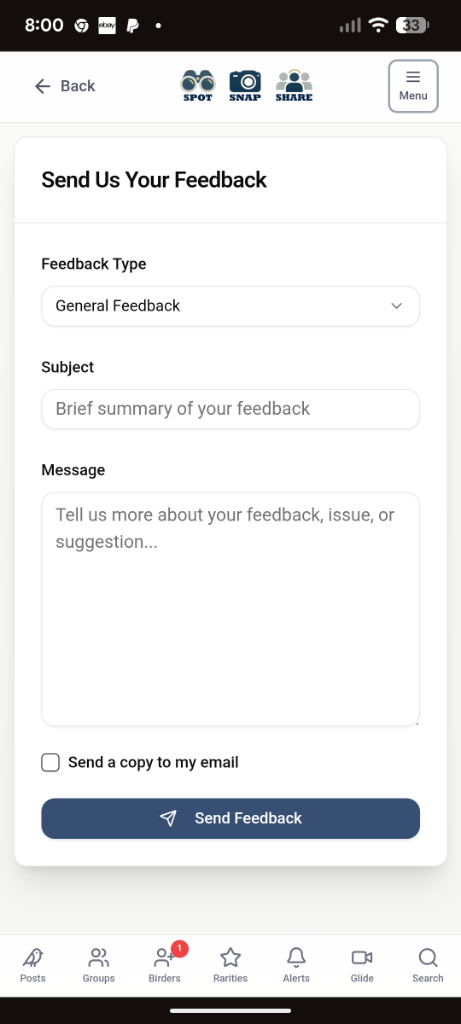
Feedback
Contribute to the continuous improvement of the platform. Let's make it the best together.
Posting made easy
Let your posts shine...in mobile view...
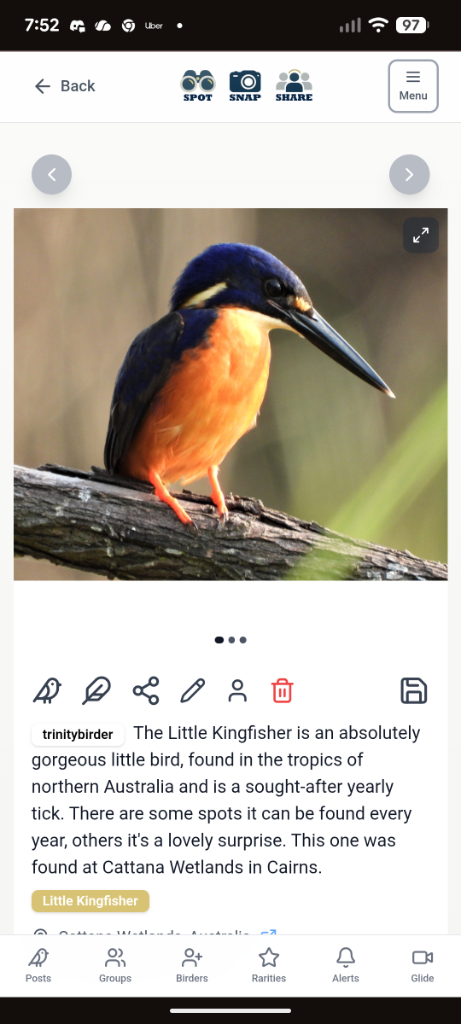
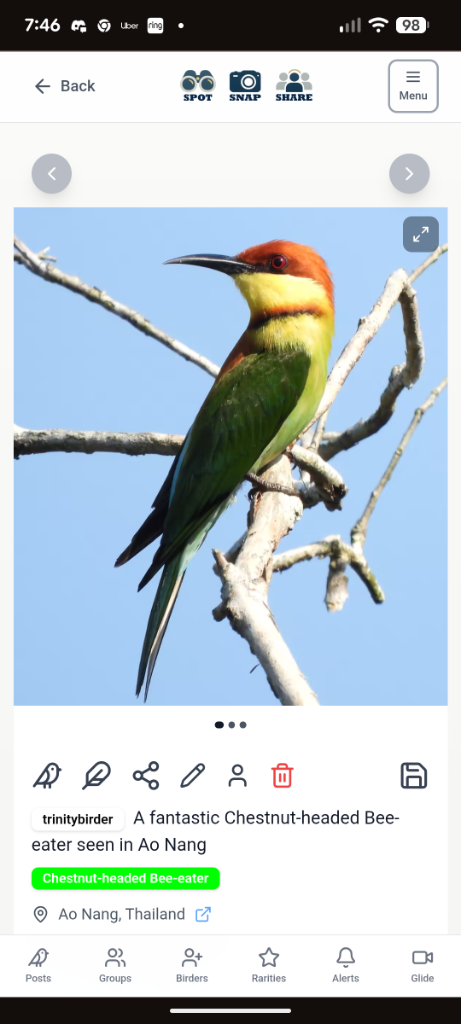
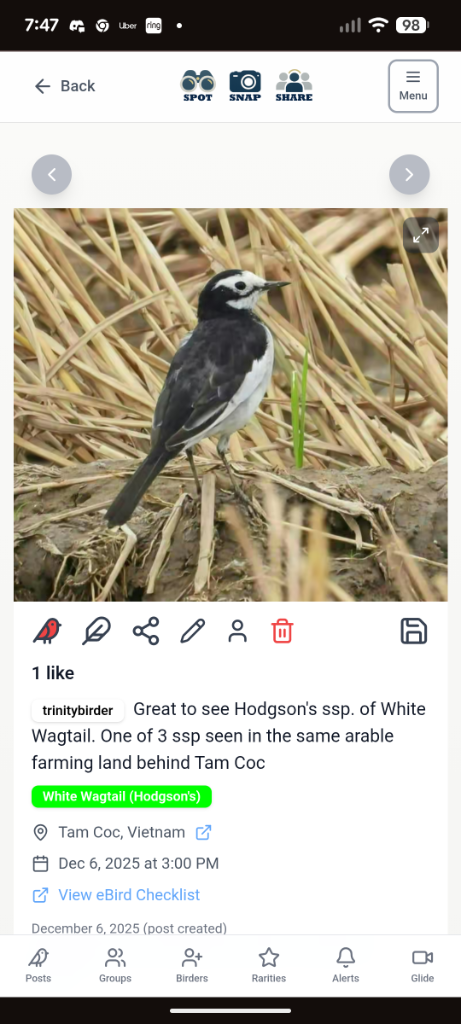
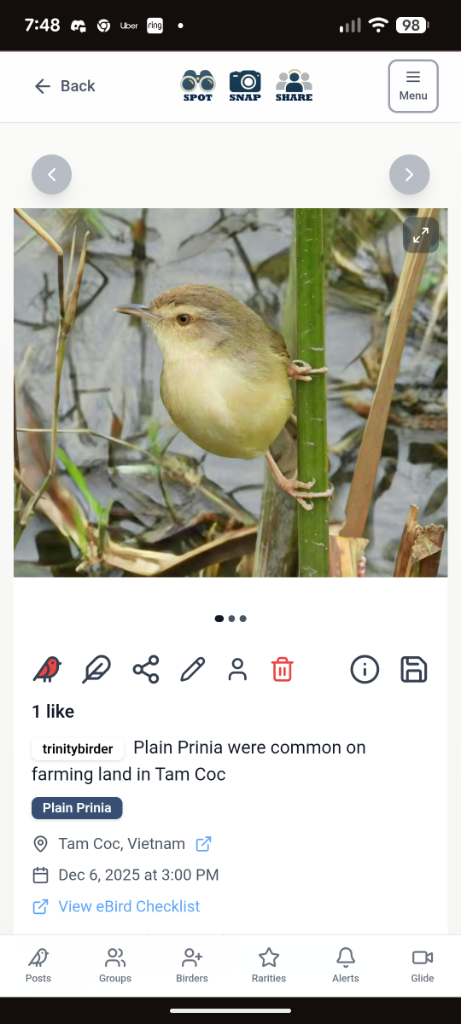
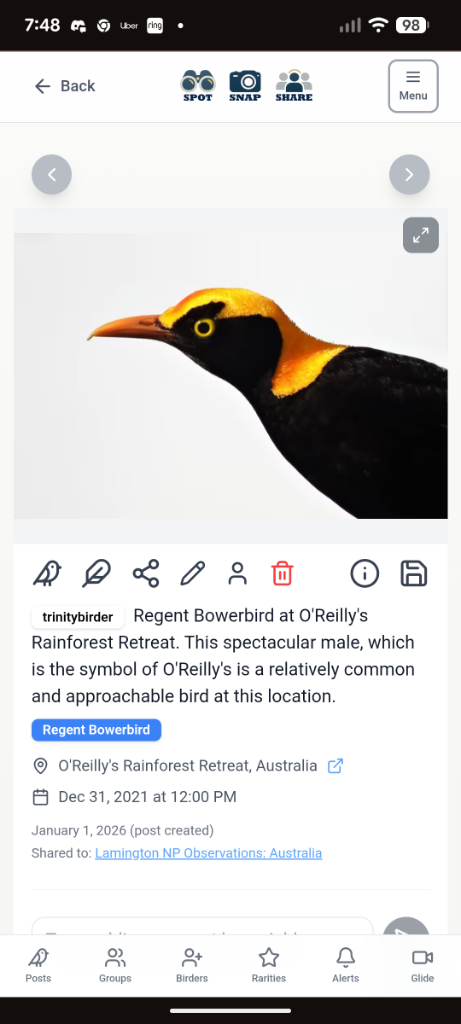
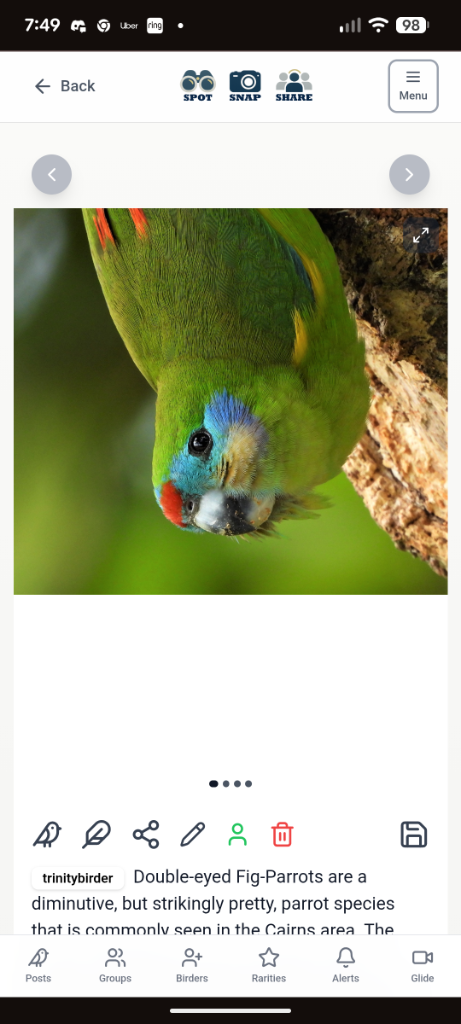
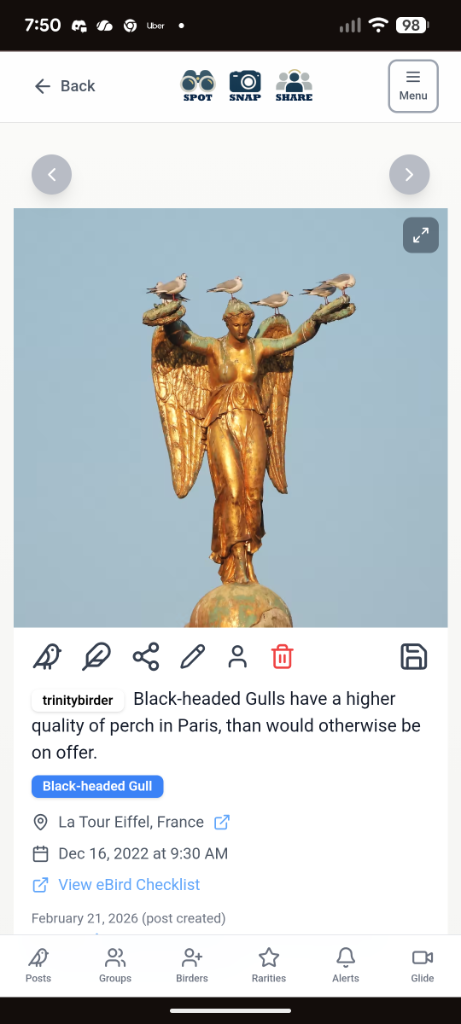
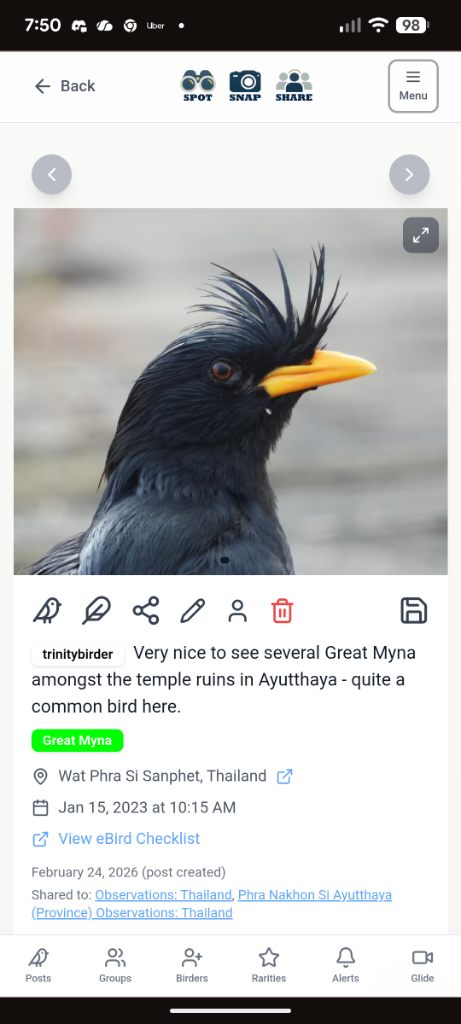
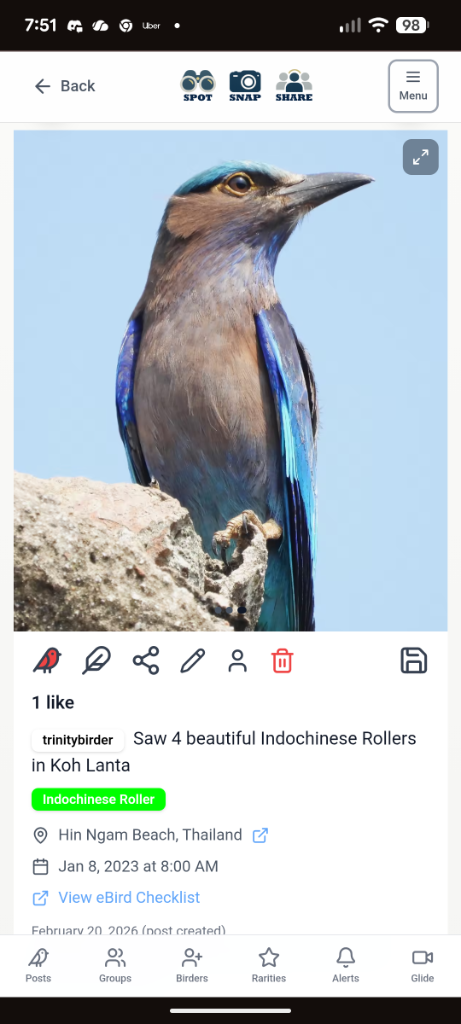
...And in desktop or tablet view
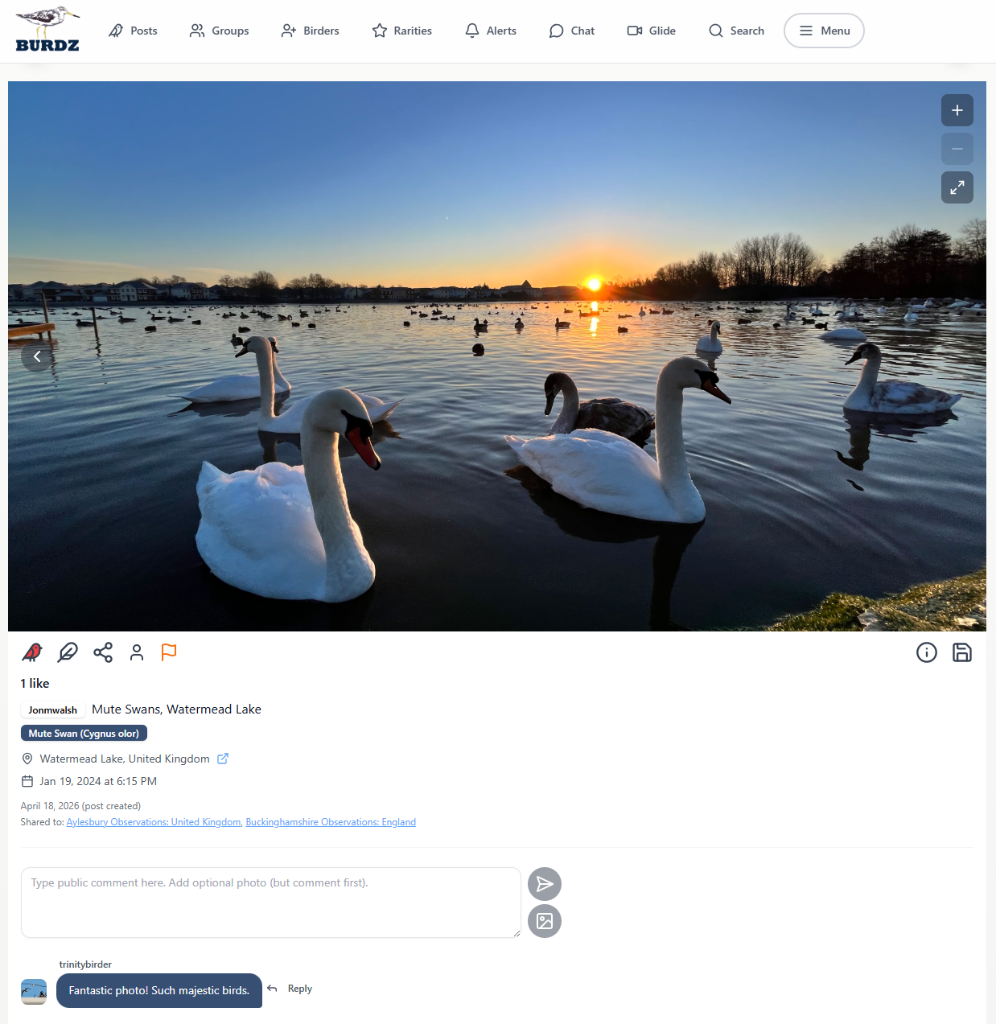
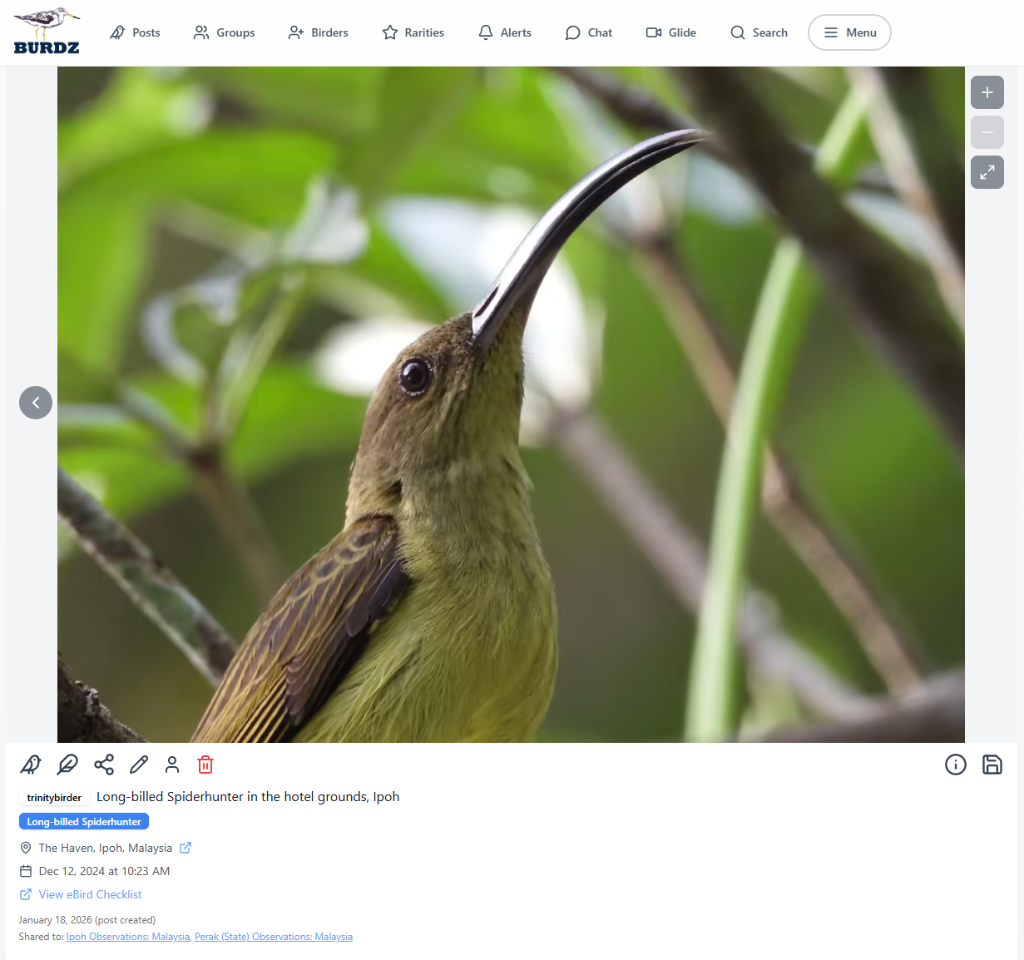
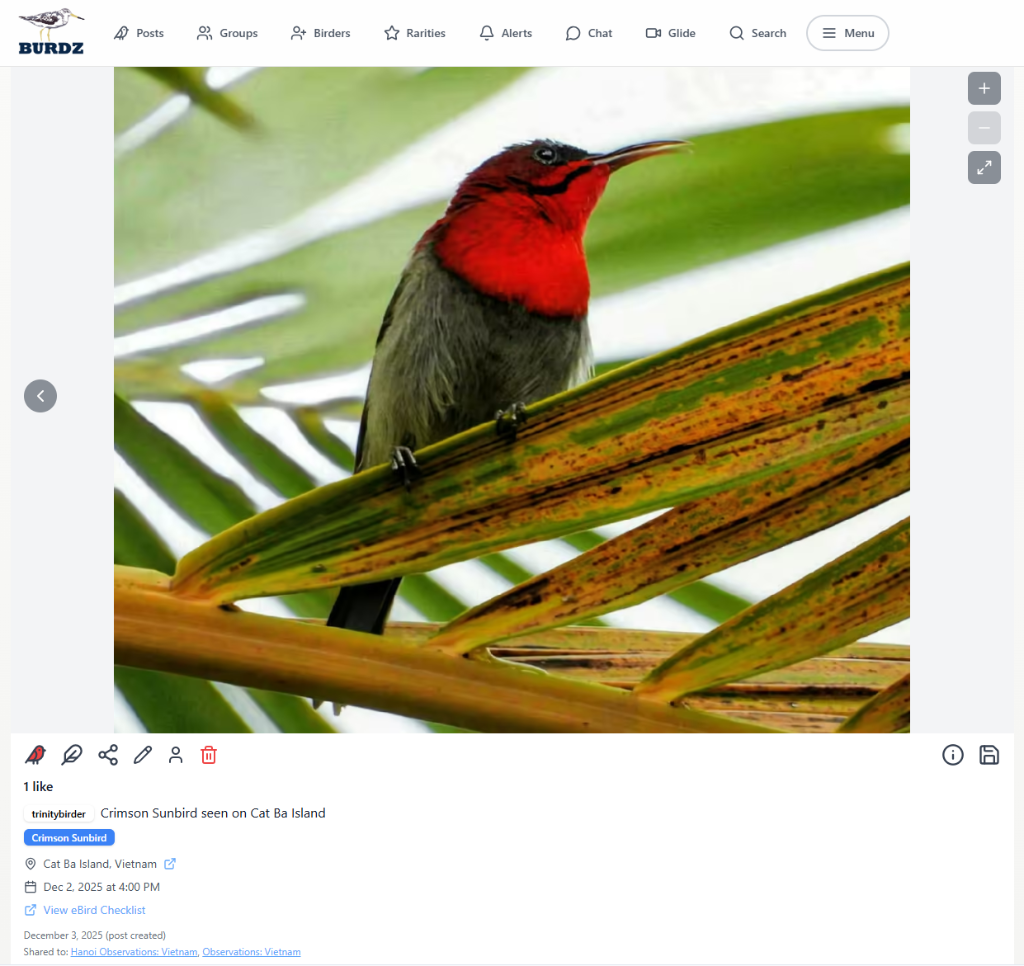
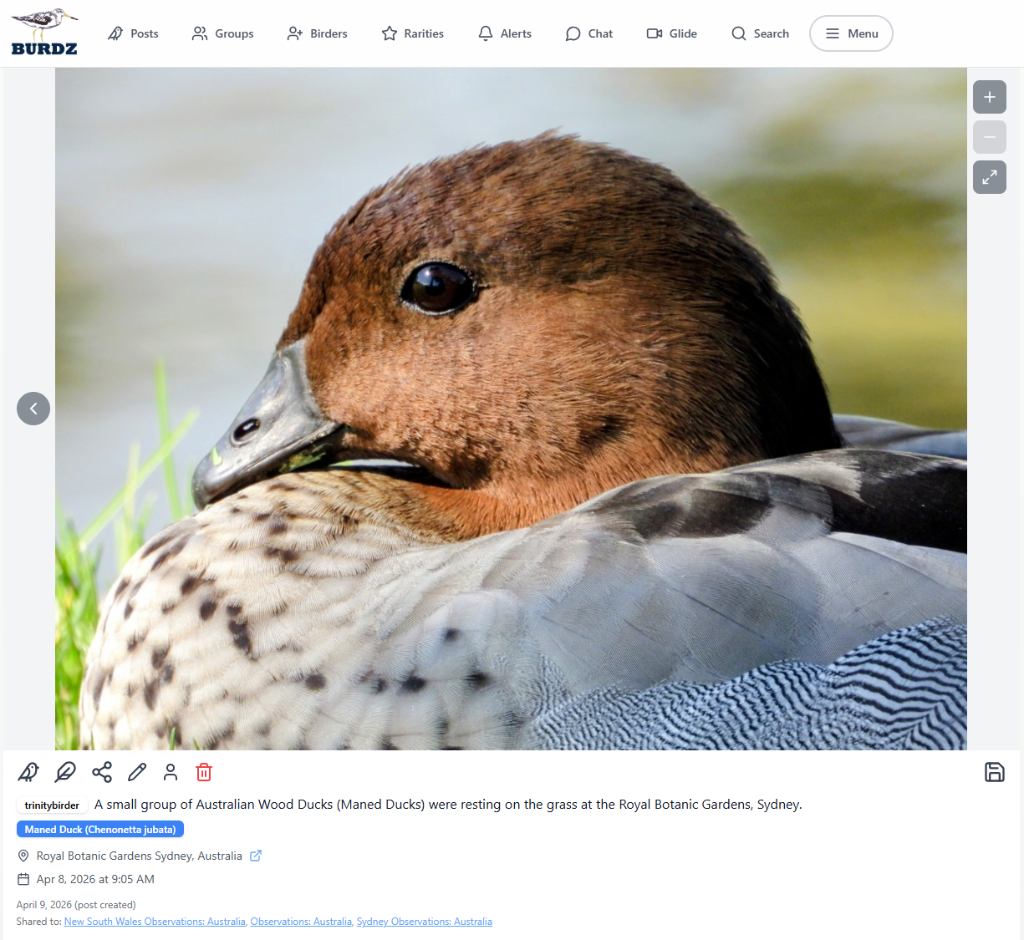
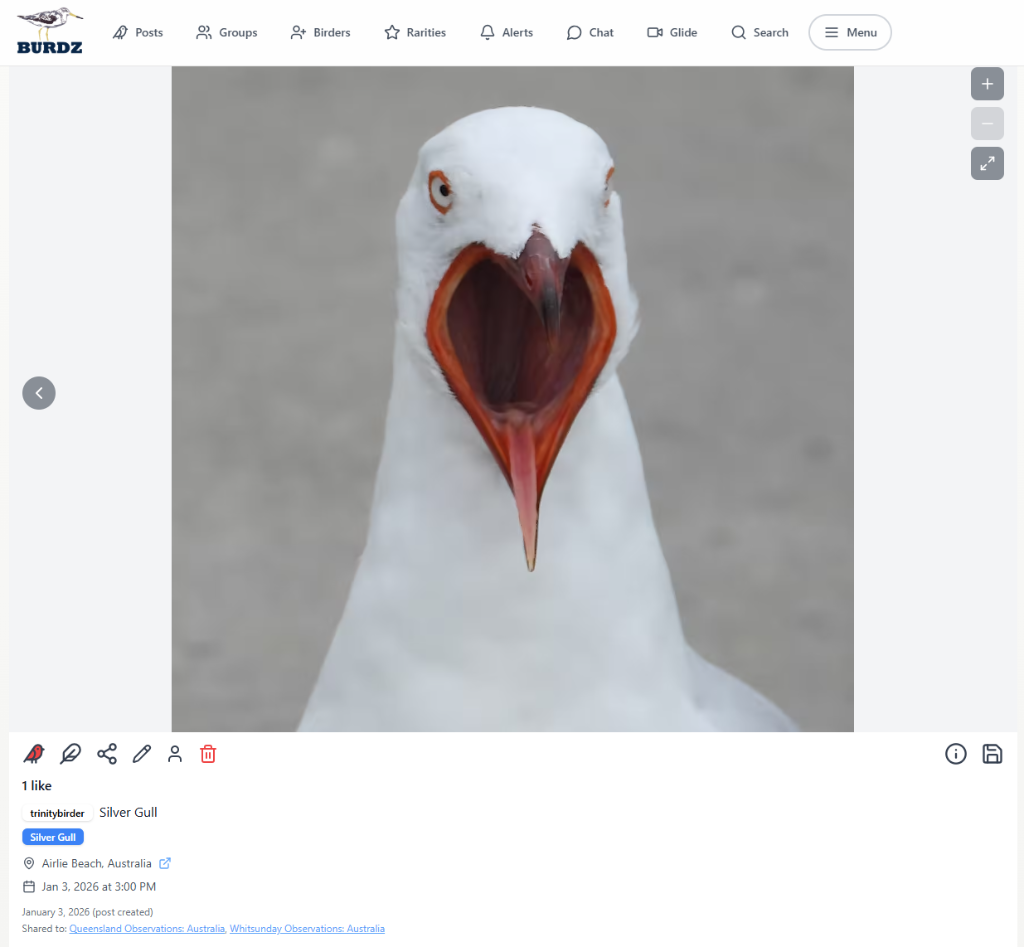
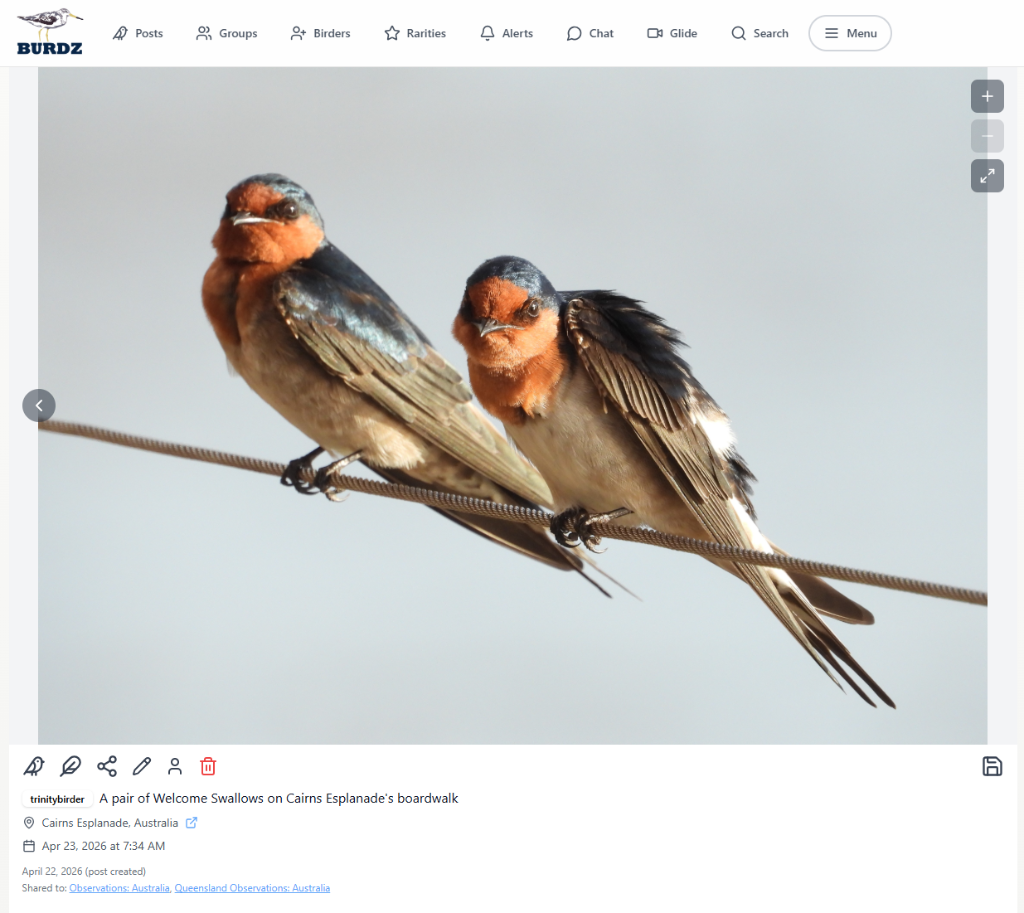
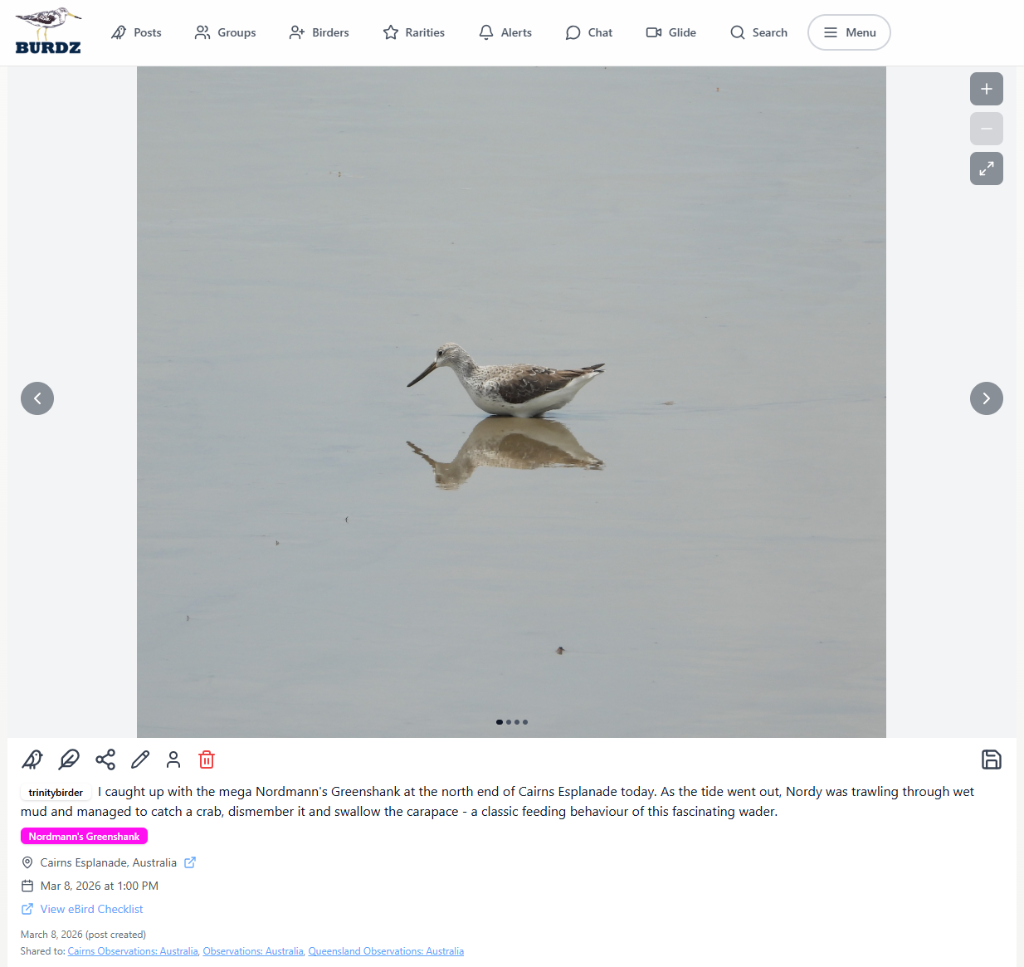
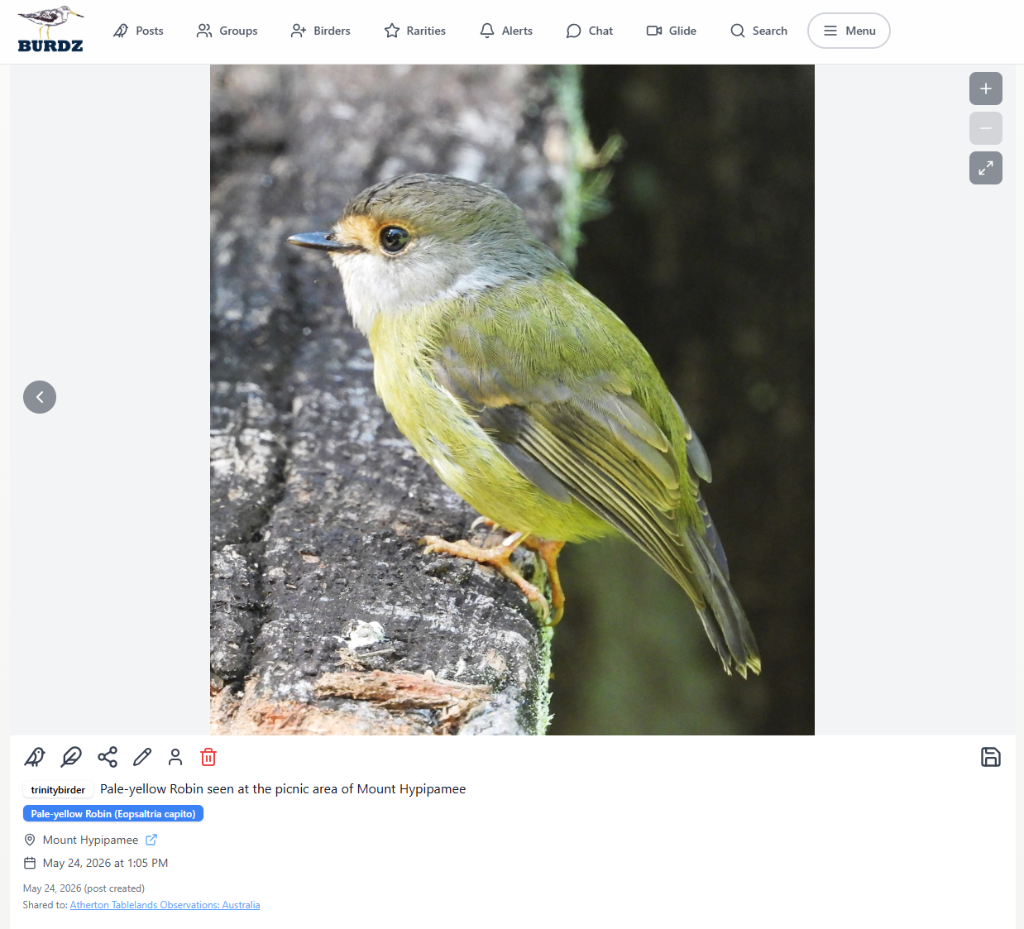
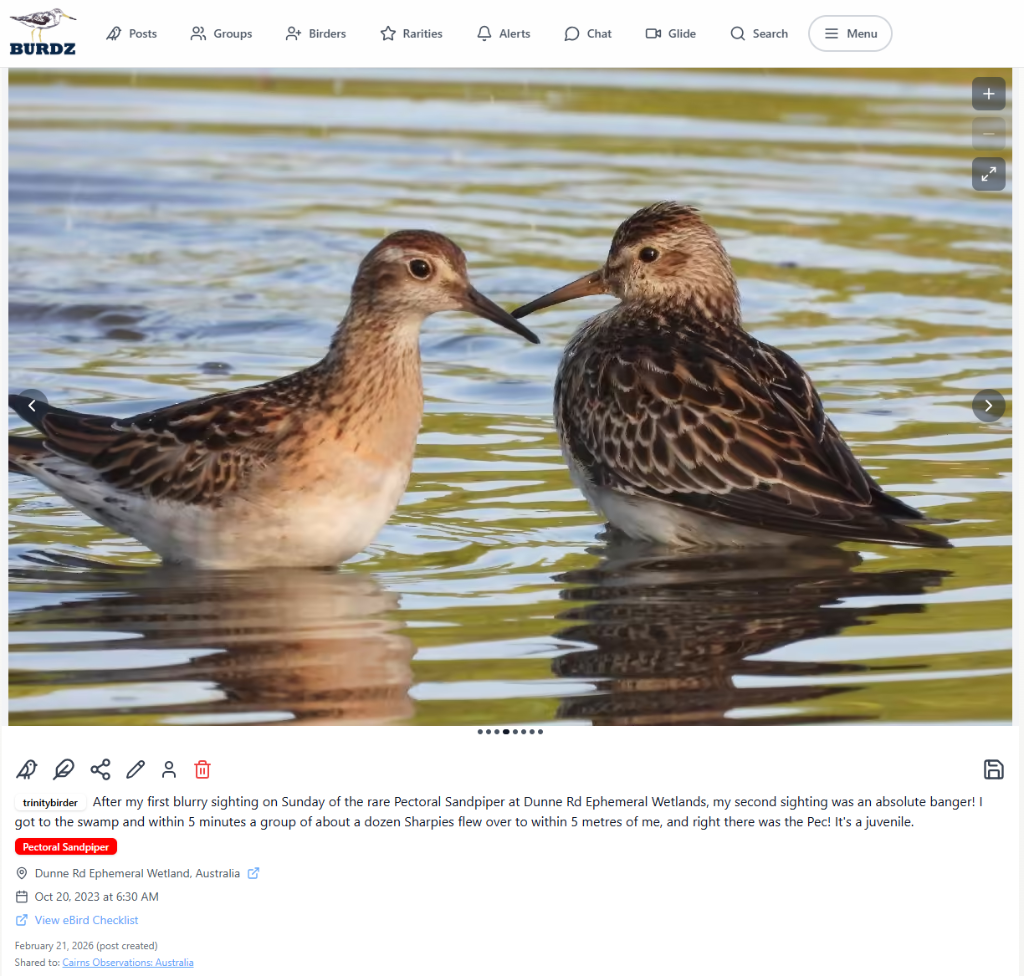
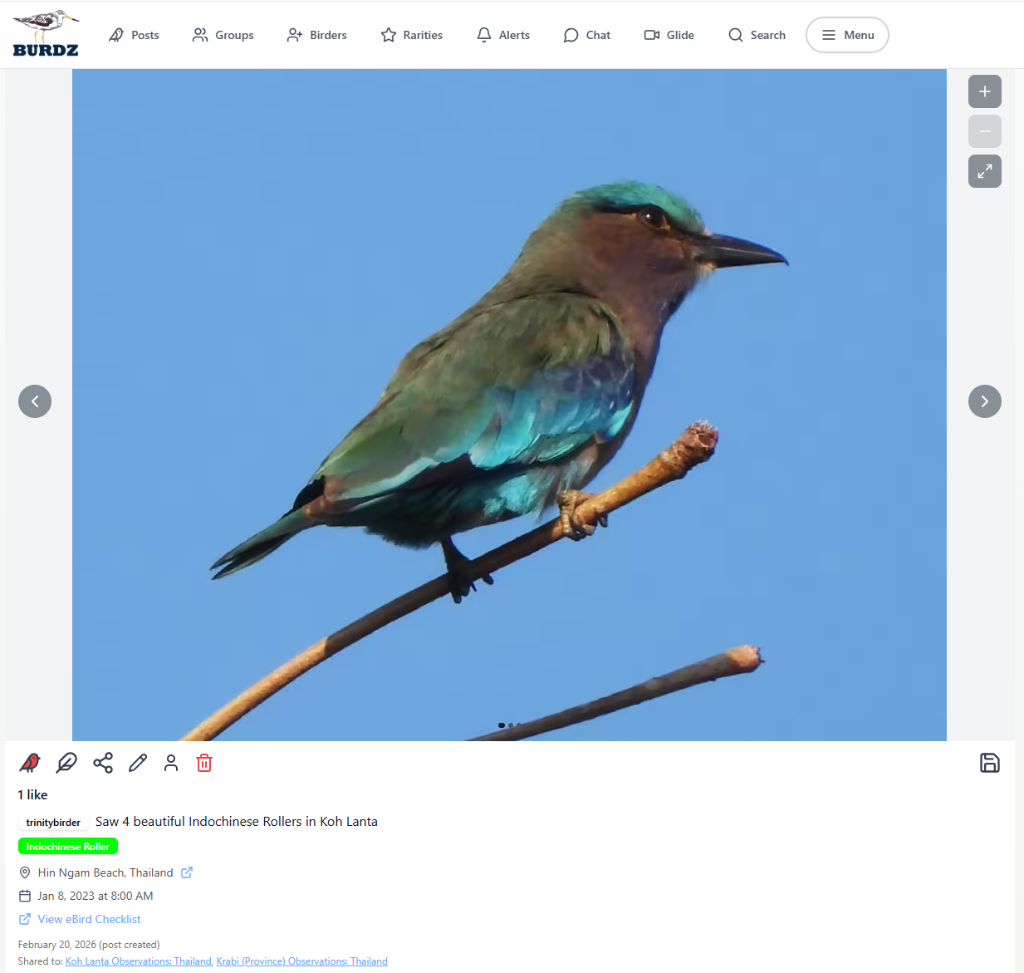
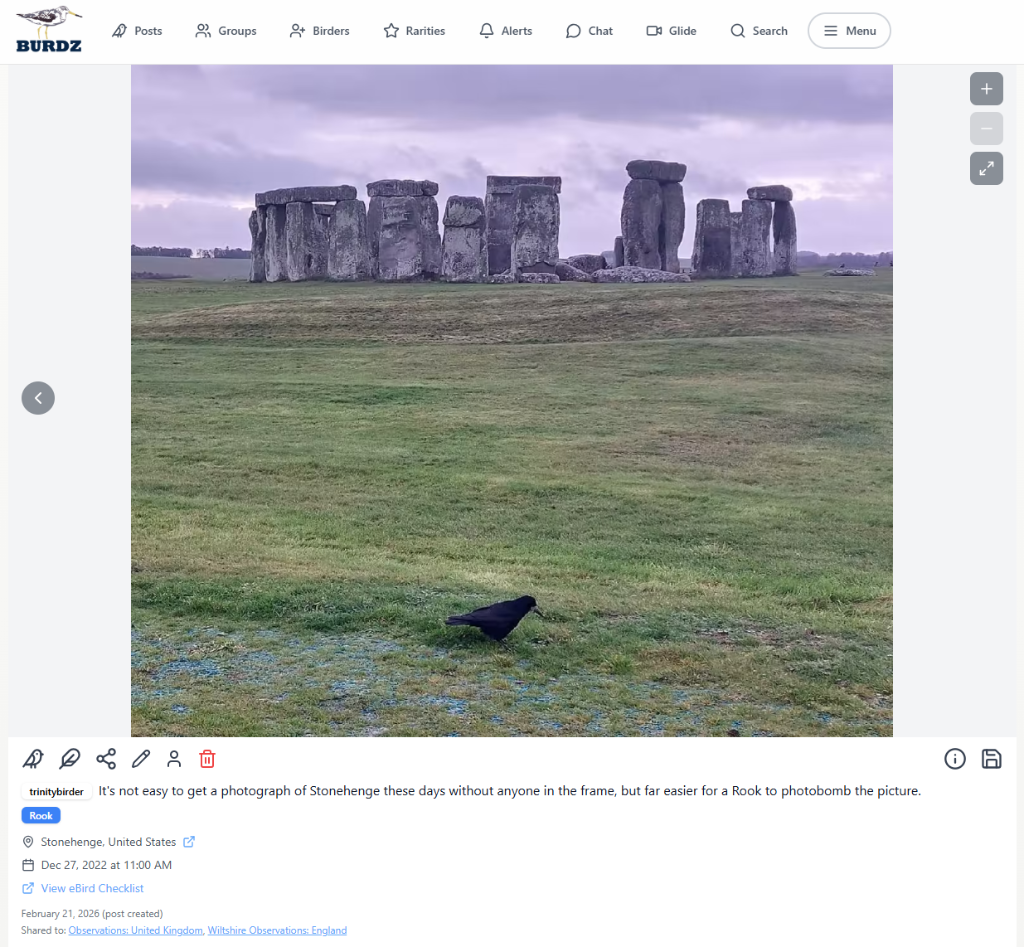
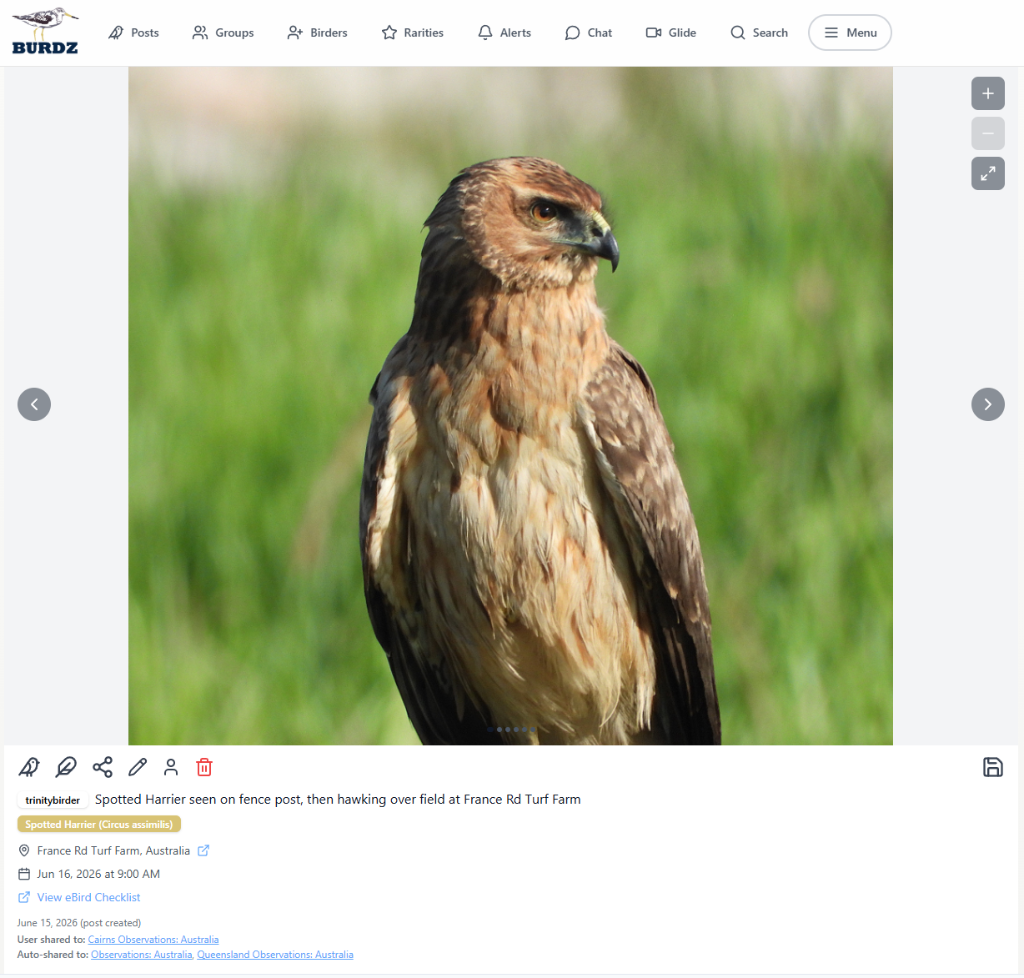
Stack your post with as little information (description and photo) or as much information as you want
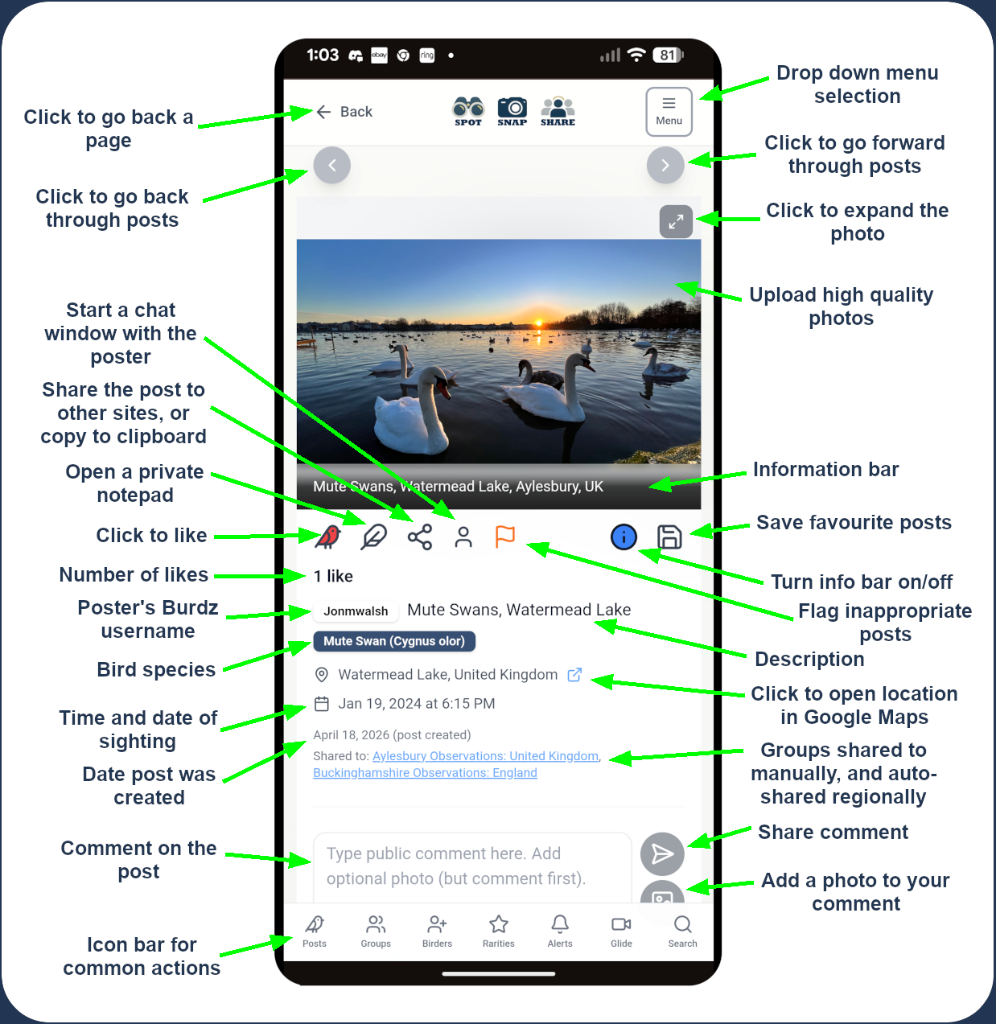
Comment and collaborate
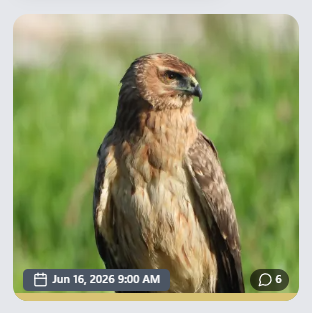
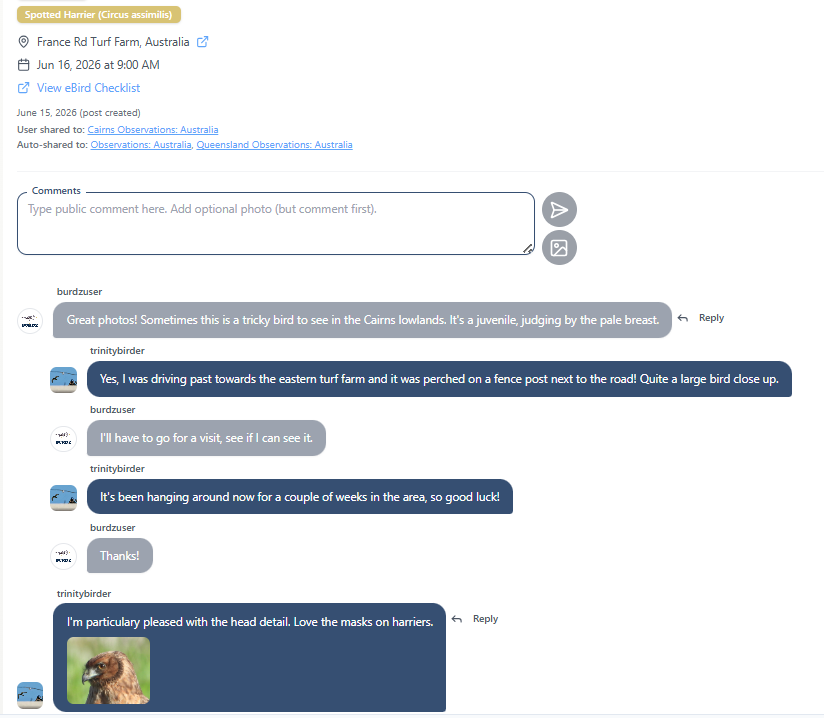
Commenting on posts is easy, you can also include a photo, and the preview tiles show the number of comments
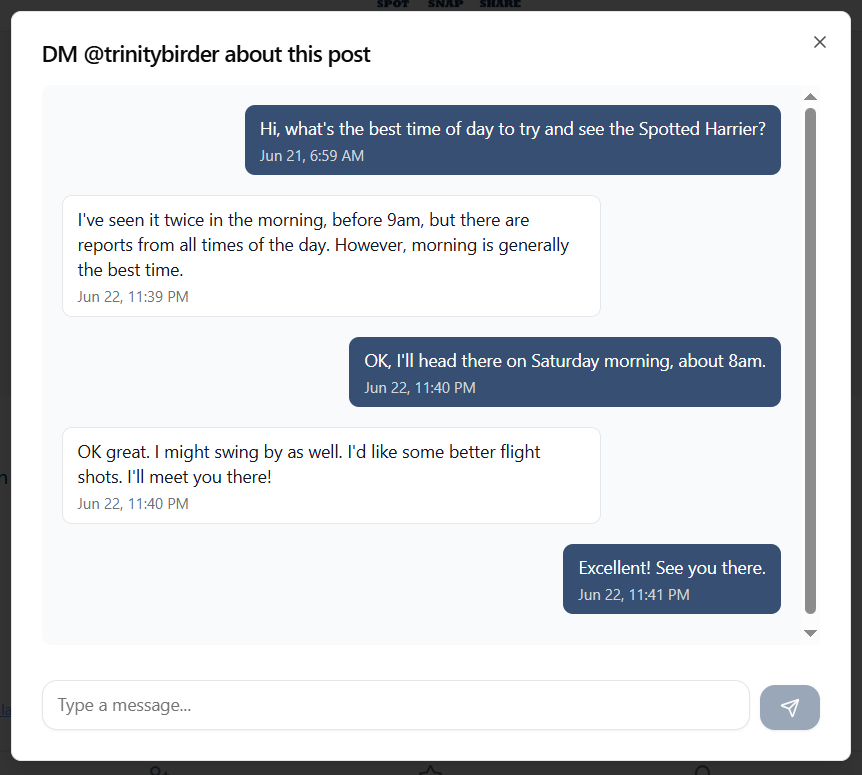
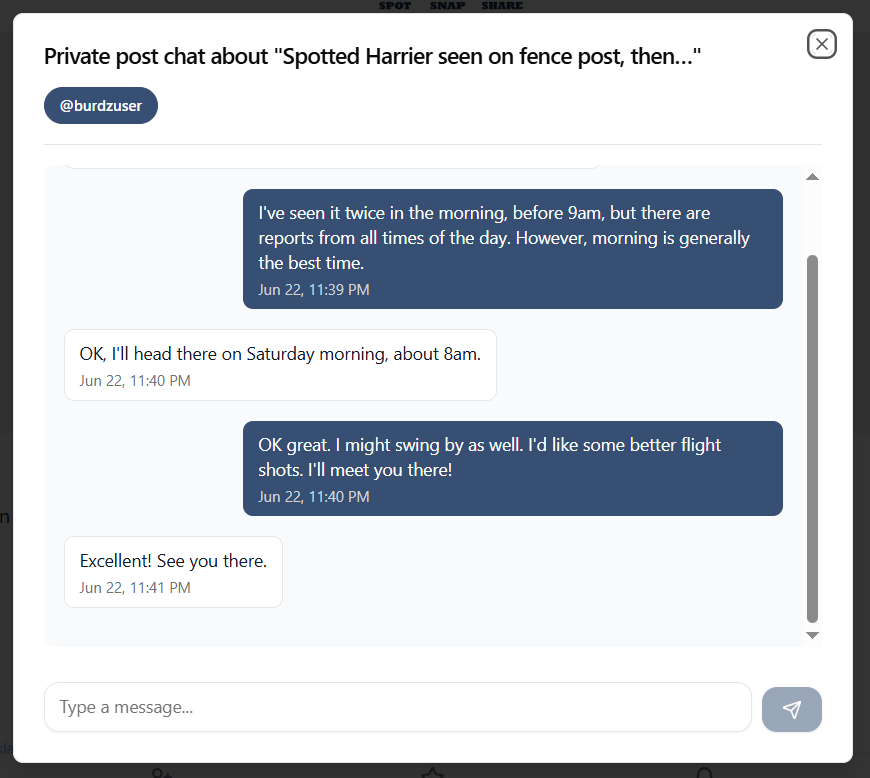
If you want to discuss a post privately with a birder, just click the private chat icon and direct message the poster.
Customise your views
Choose from a variety of colour themes - light, dark and a palette of colours
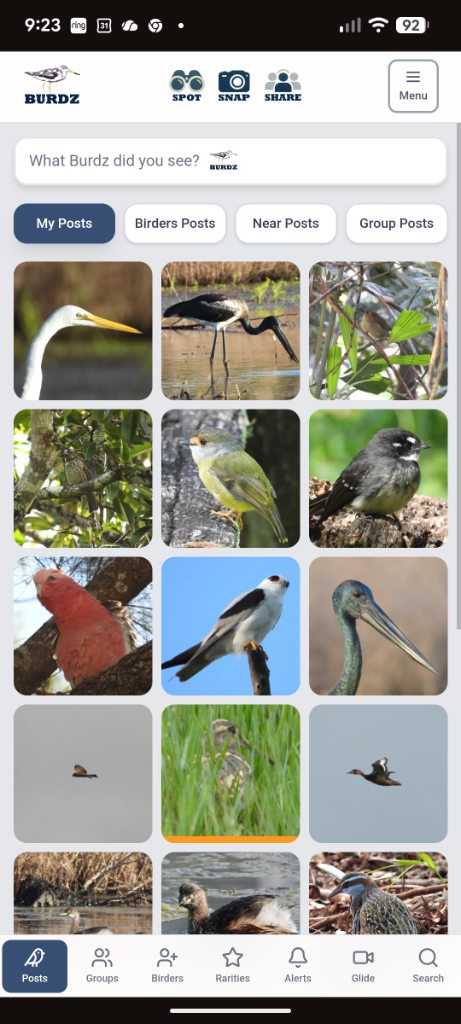
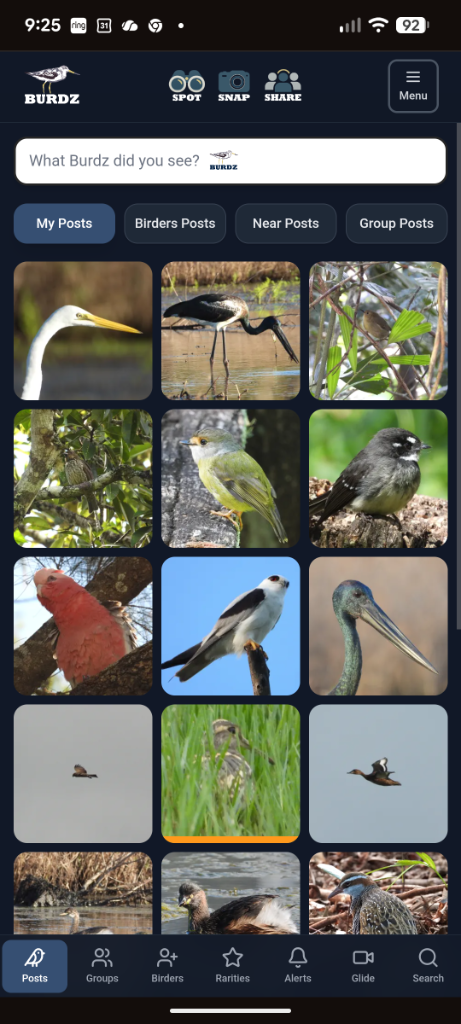
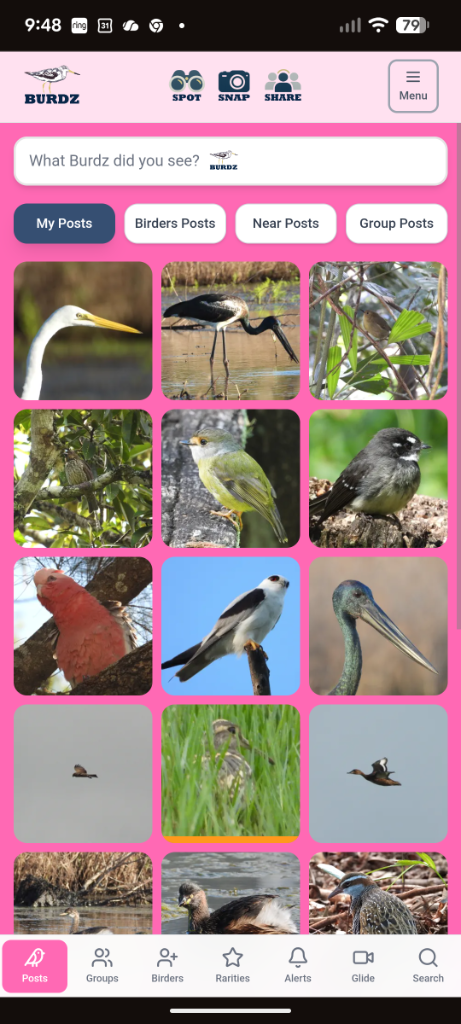
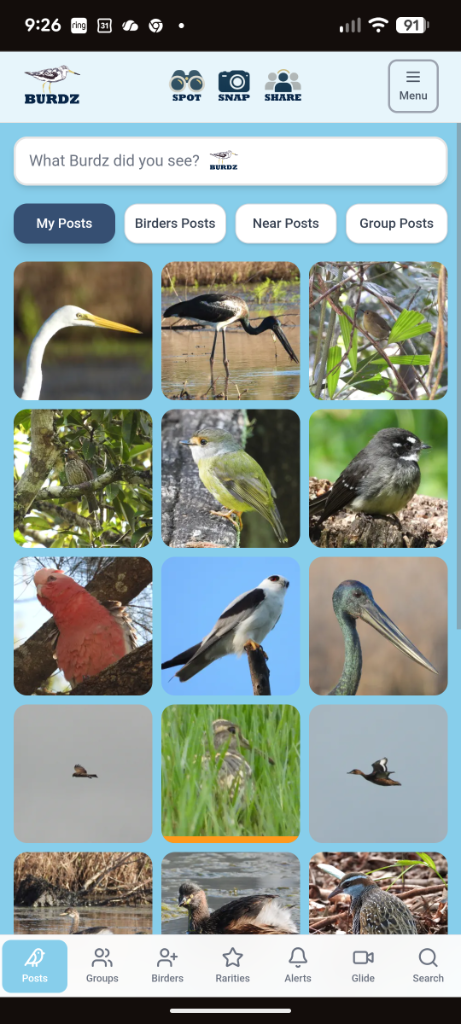
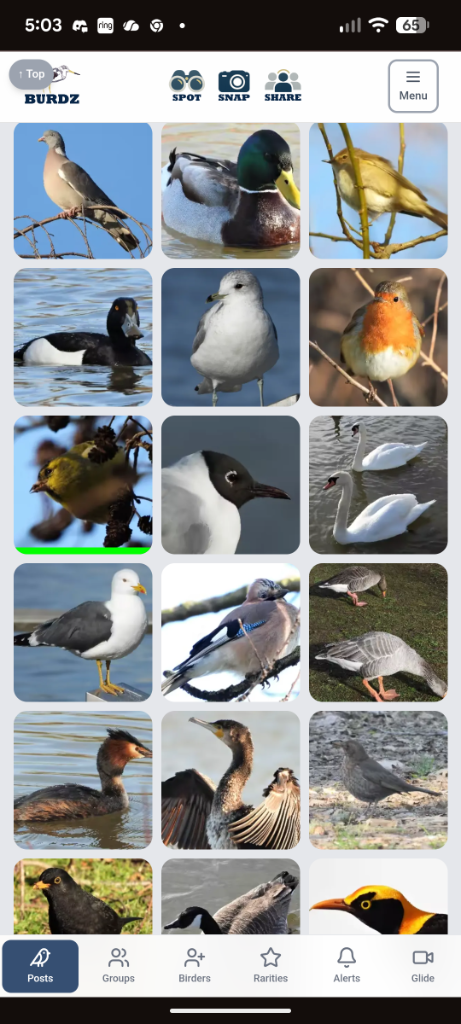
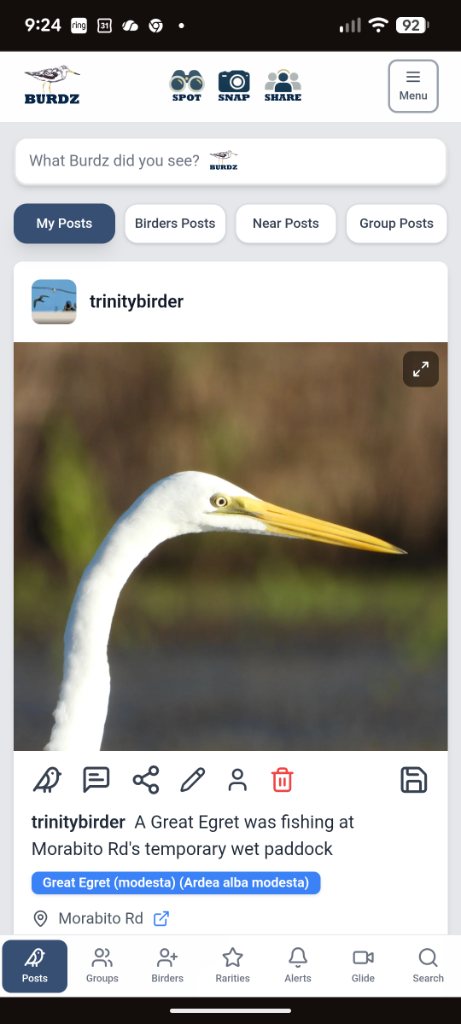
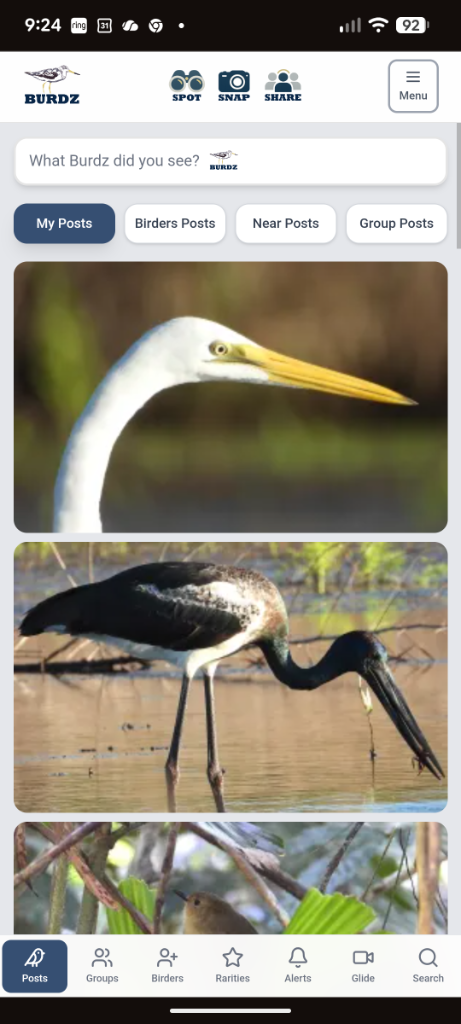
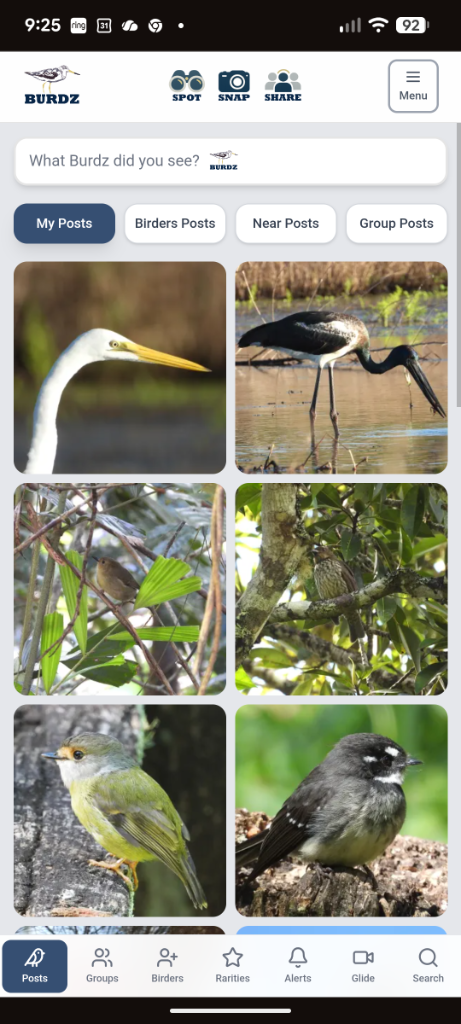
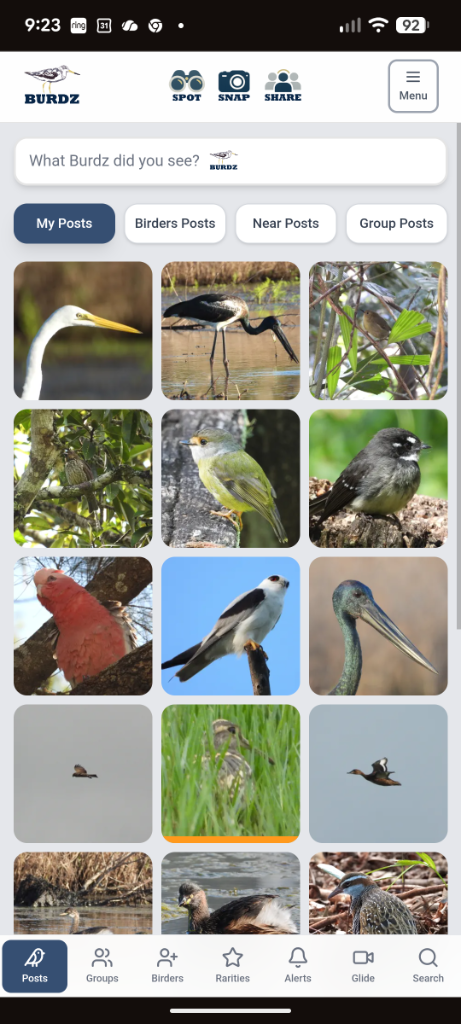
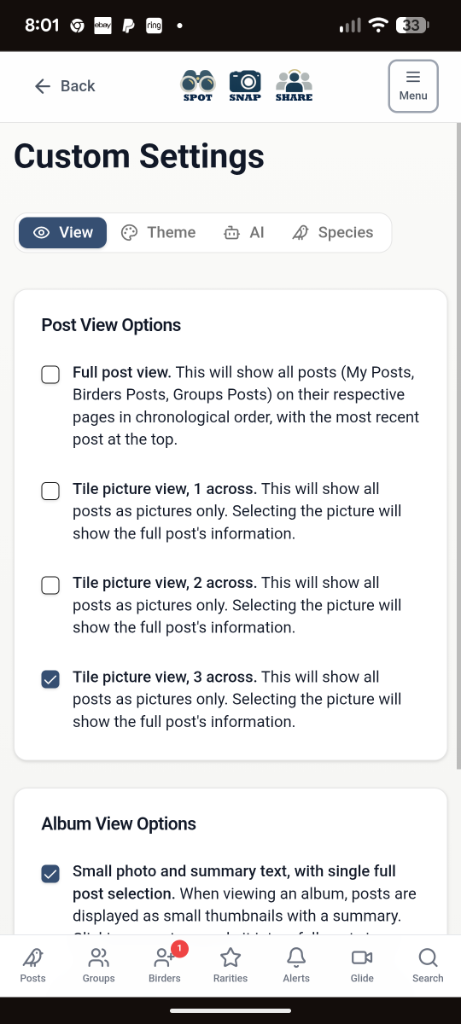
Also choose the main page display tiling - a full post scrolling view, a single picture scrolling view, or 2 or 3 tiles across
Groups that just make sense
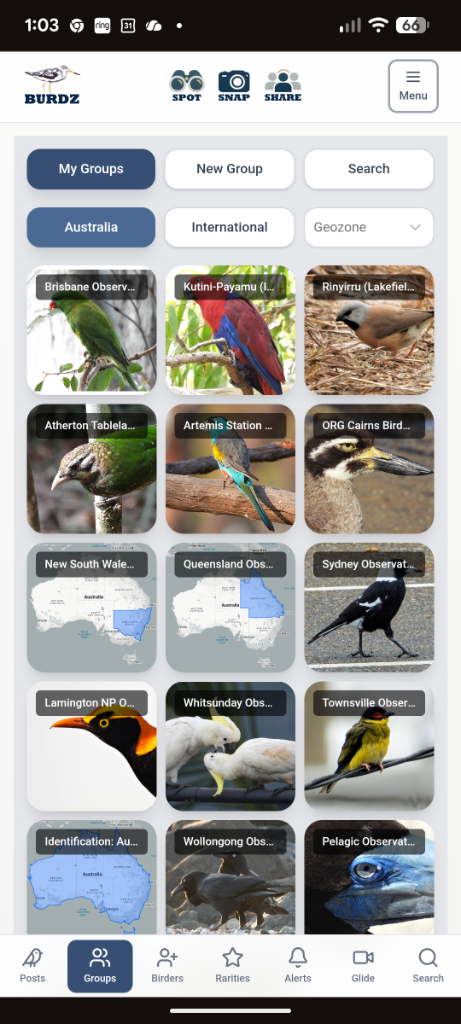
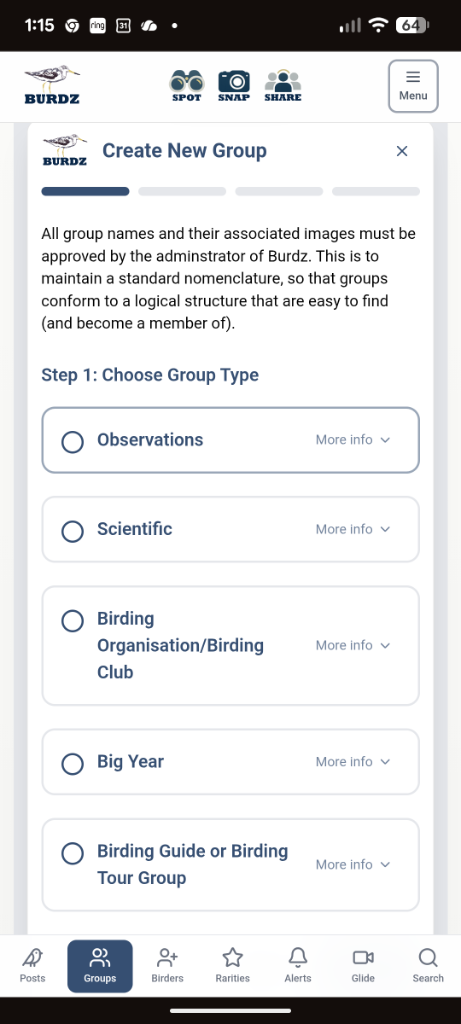
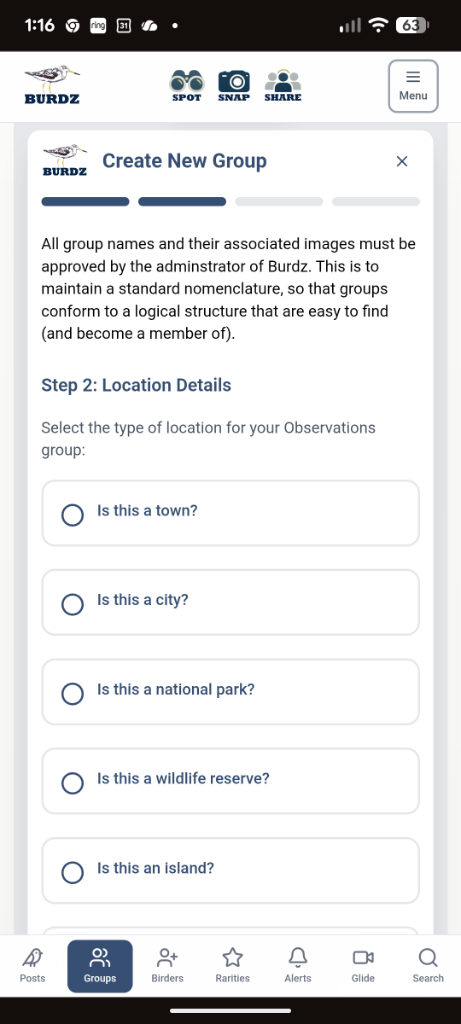
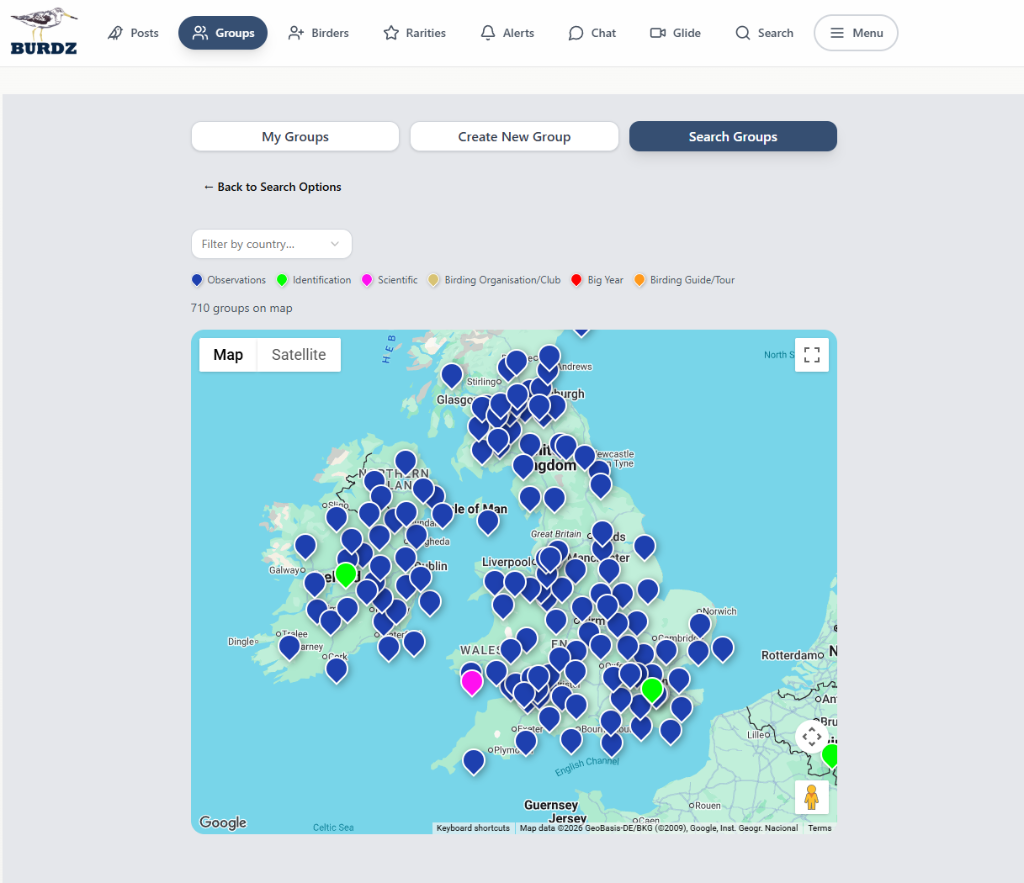
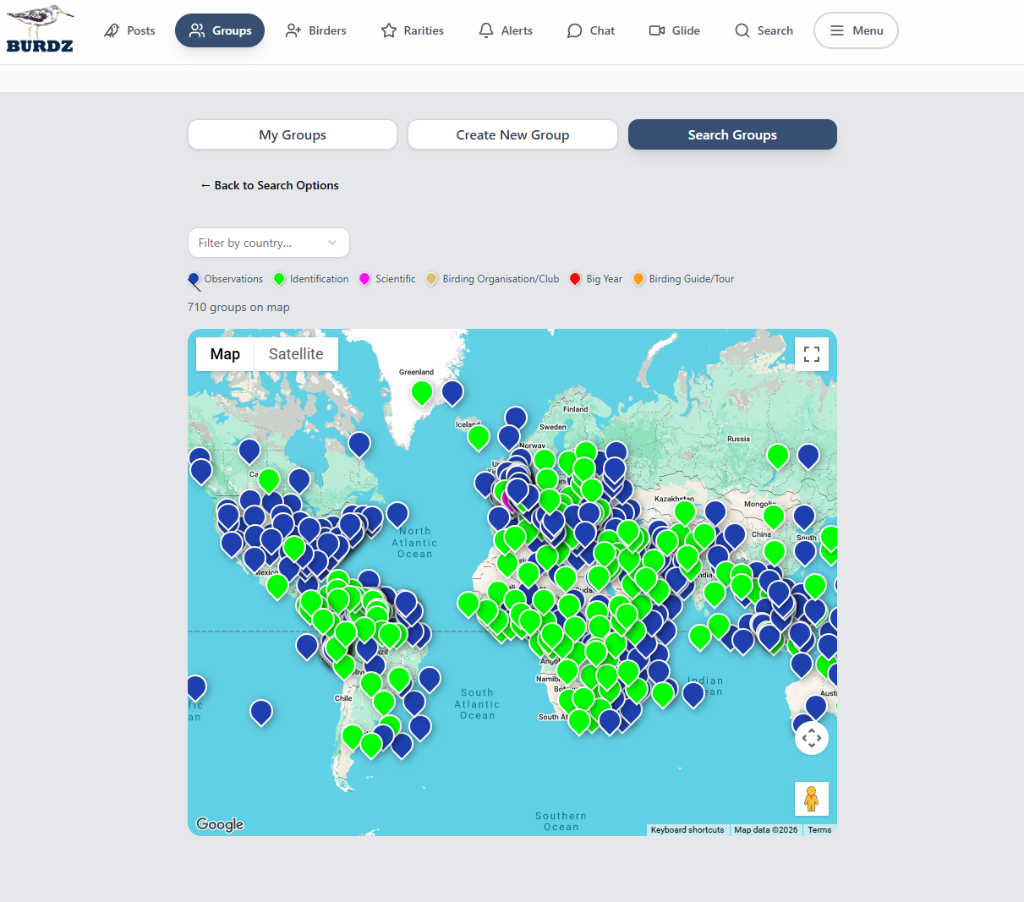
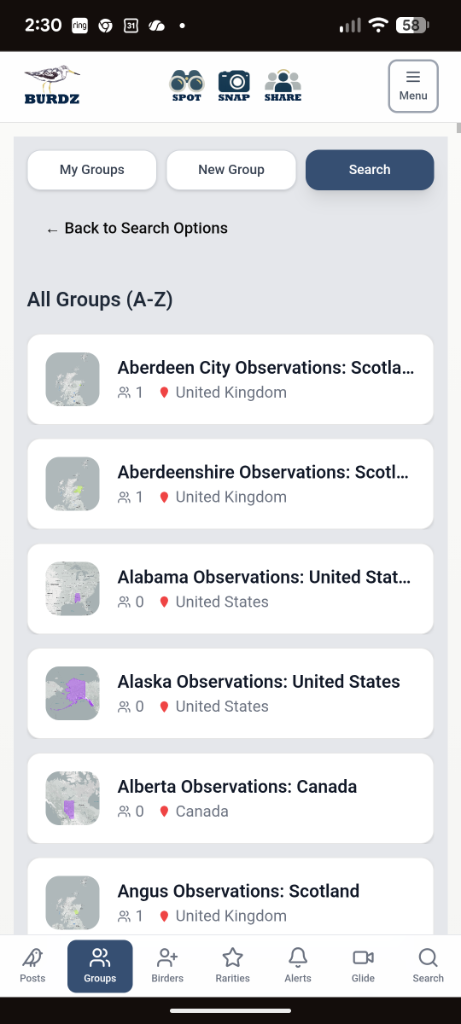
Group views default to your selected location in account settings. Create new groups with a logical nomenclature: the main groups are "observations" groups, which can be local towns, cities, wildlife reserves, national parks, islands, pelagic areas or flyways — these will be in the format [location][Observations]:[geozone]. You can also create scientific groups, organisations, big year or birding guide/tour groups — these will be prefixed with SCI, ORG, BIG YEAR and TOUR.
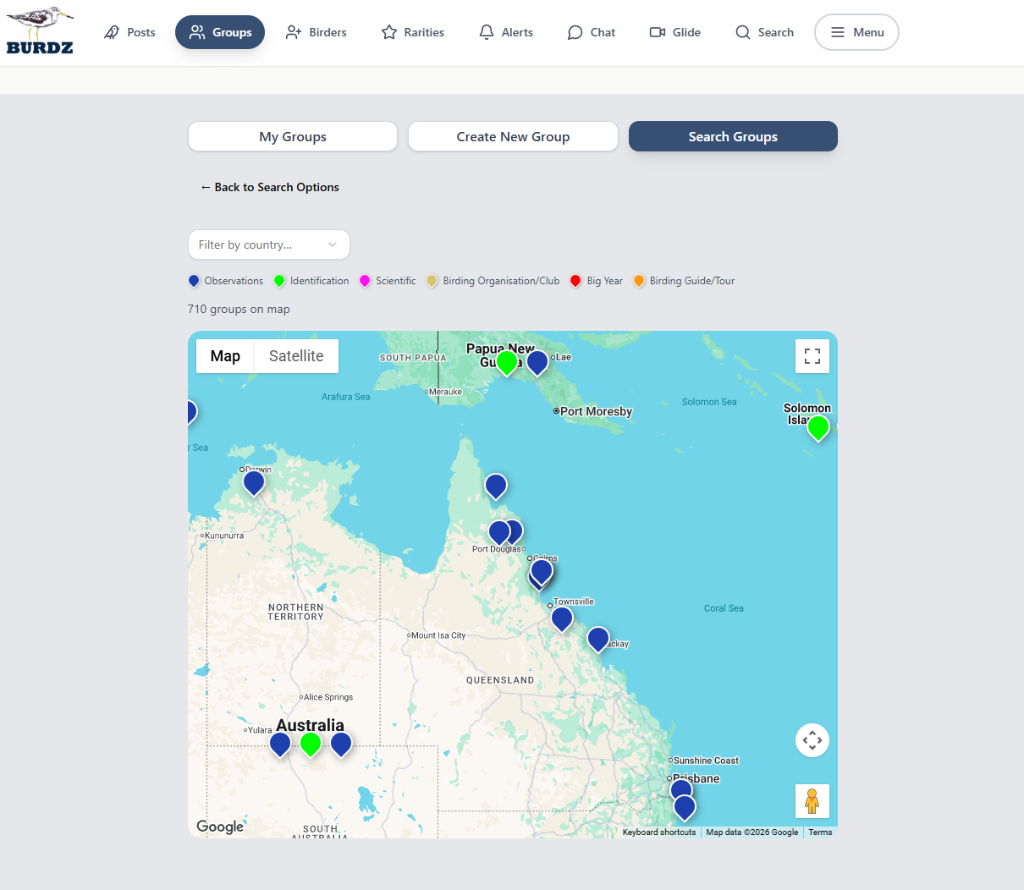
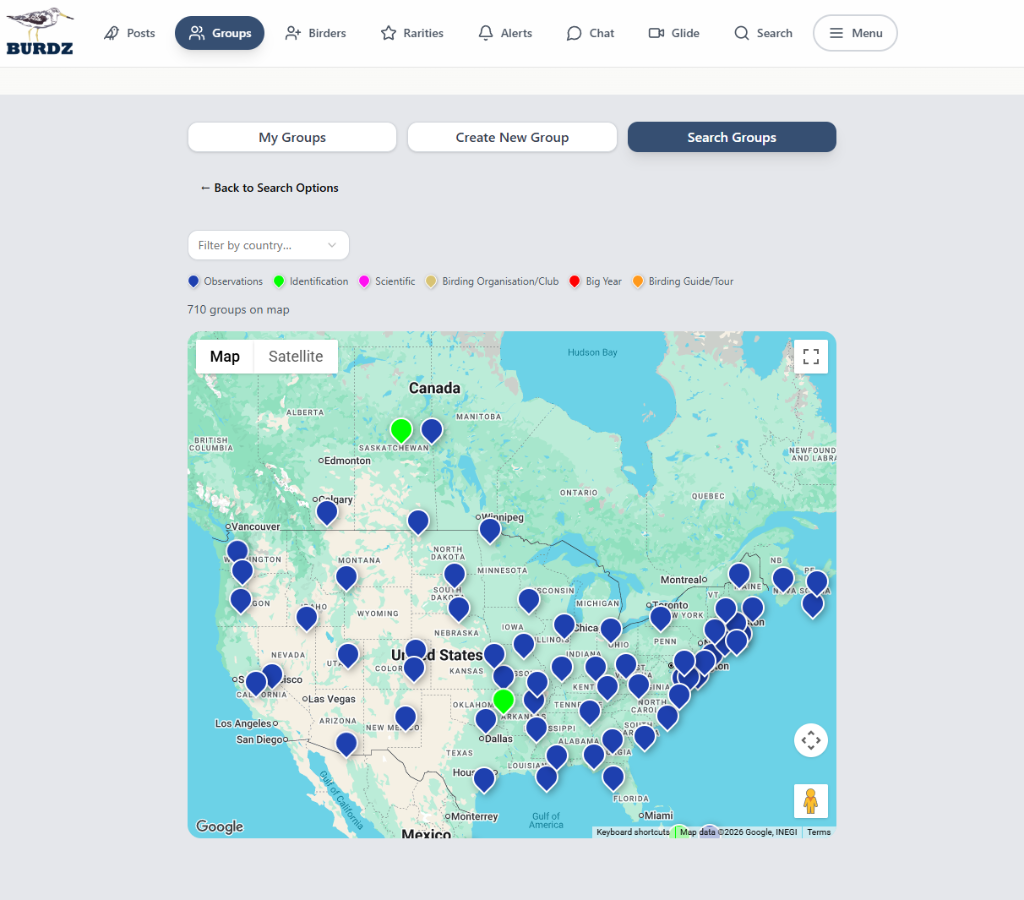
Search and join groups easily by map...
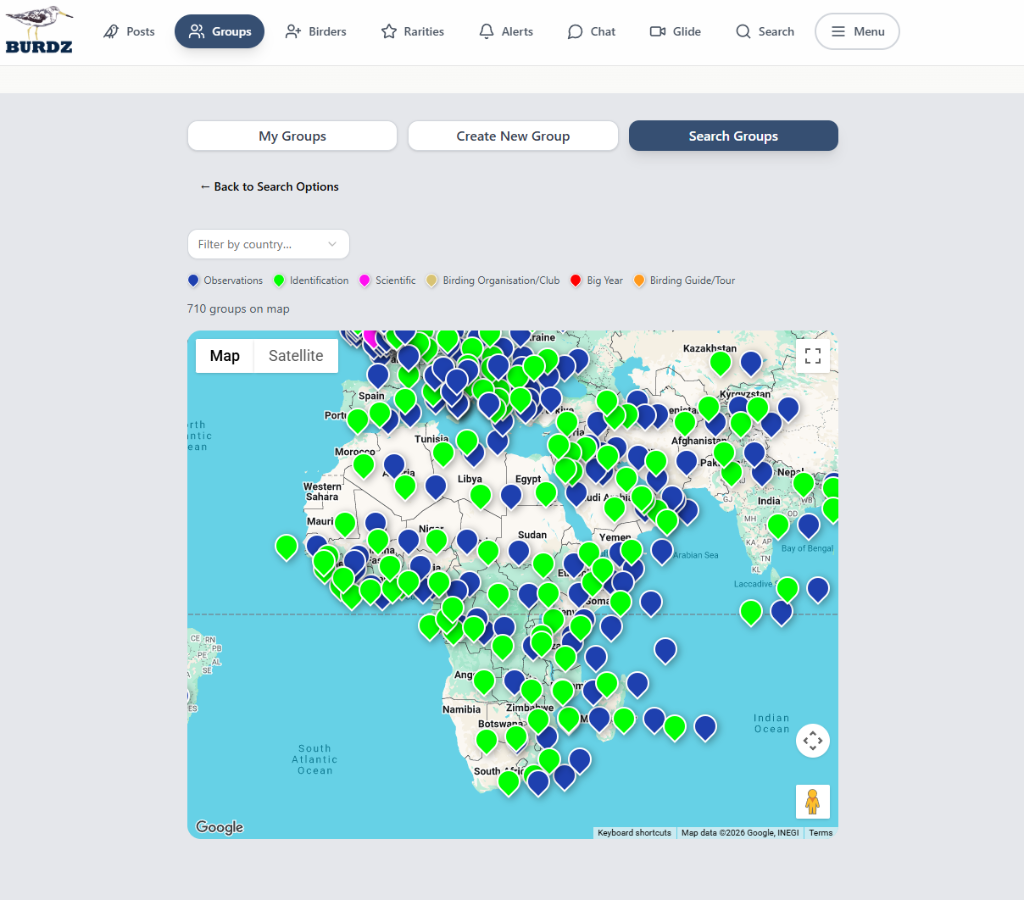
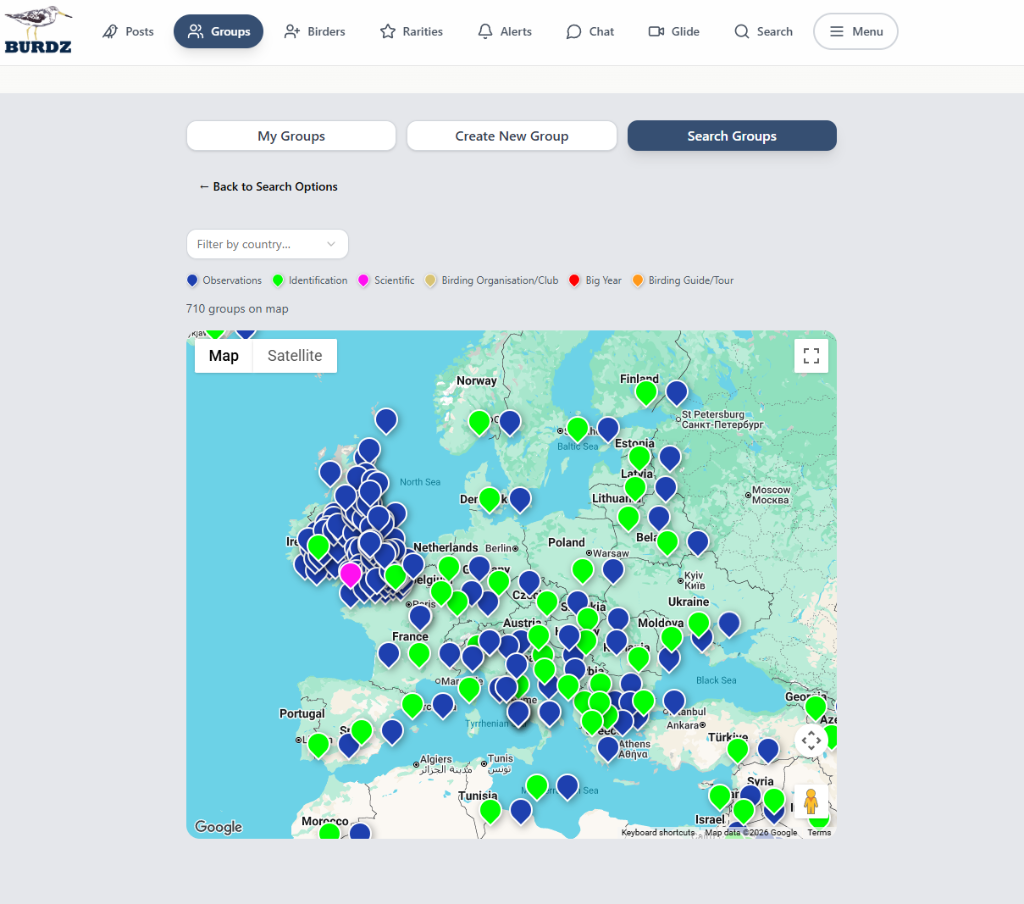
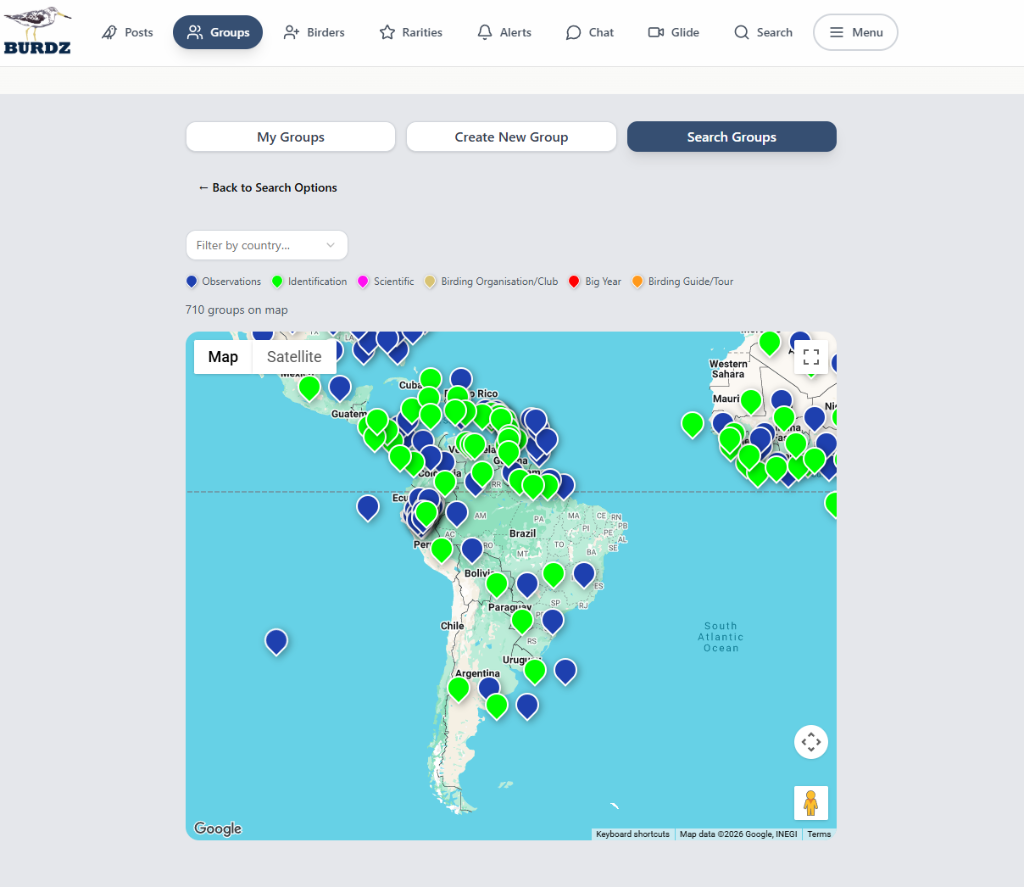
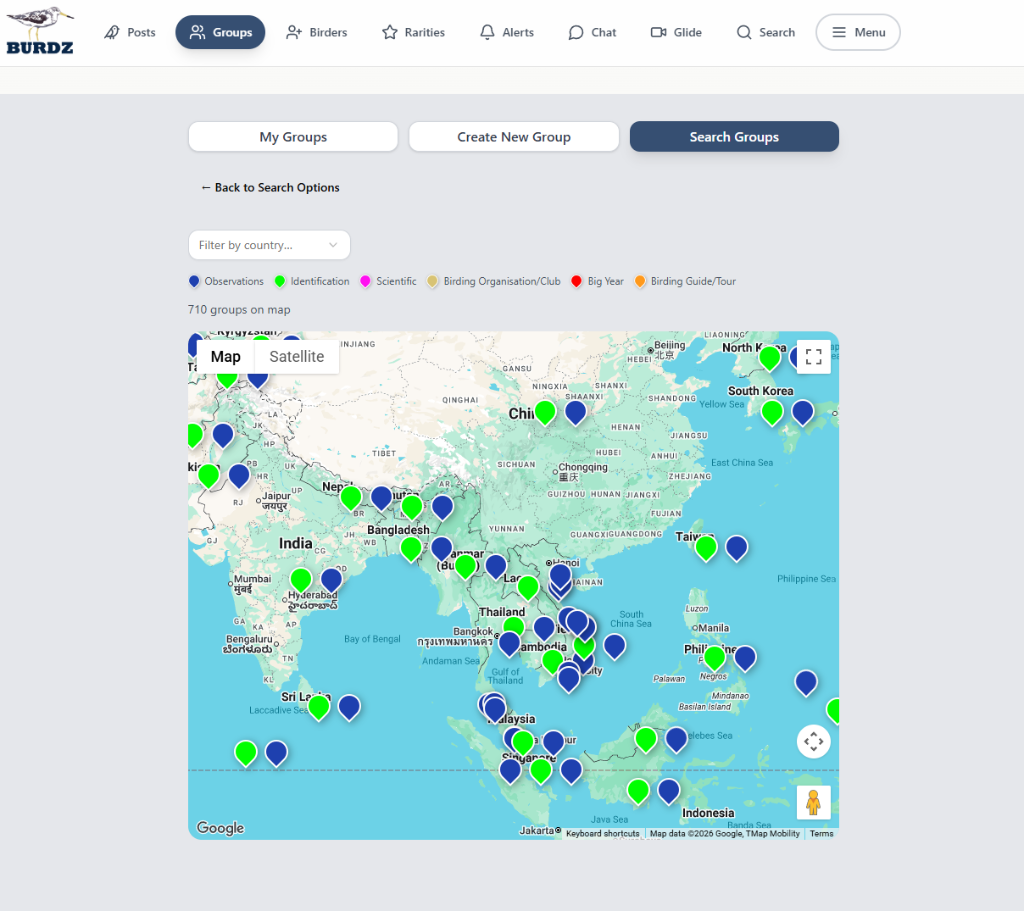
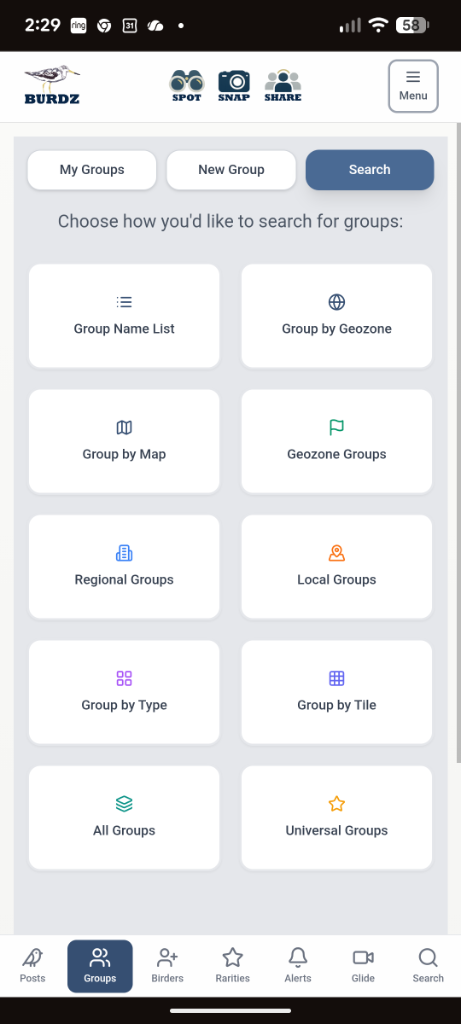
...or search and join groups in a multitude of other ways...
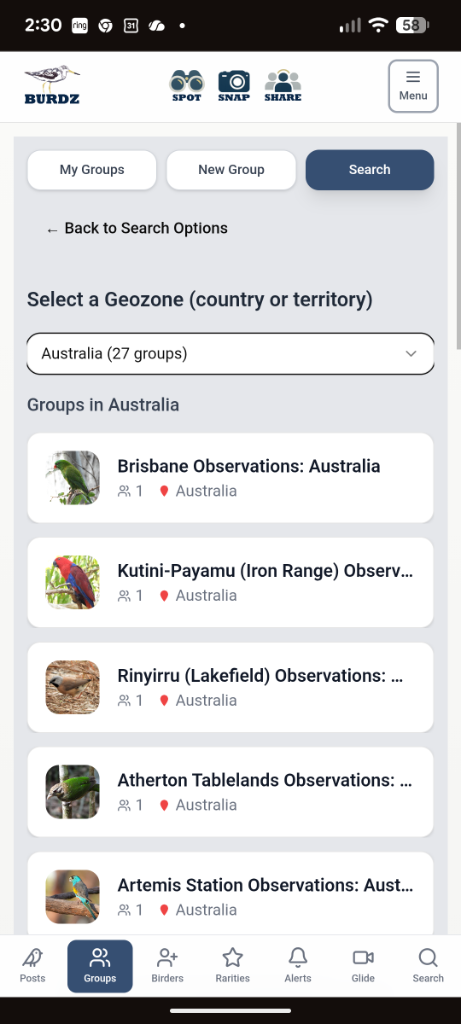
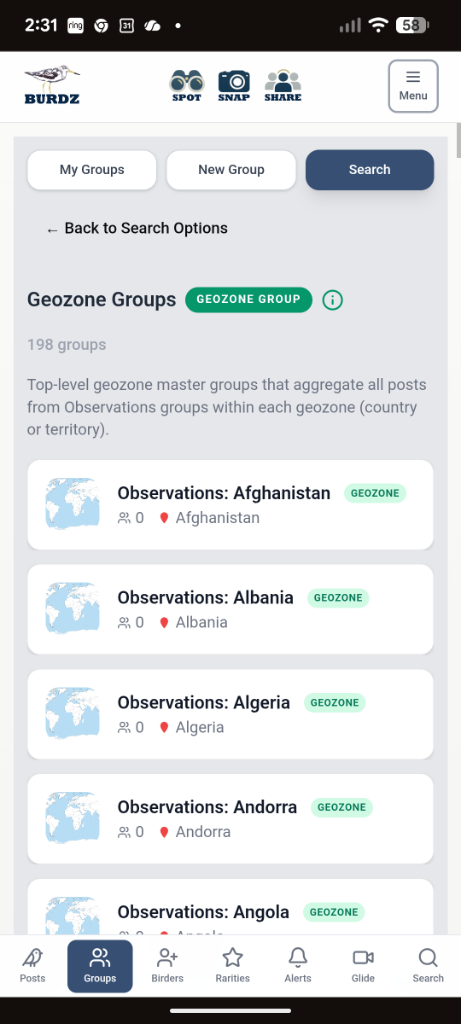
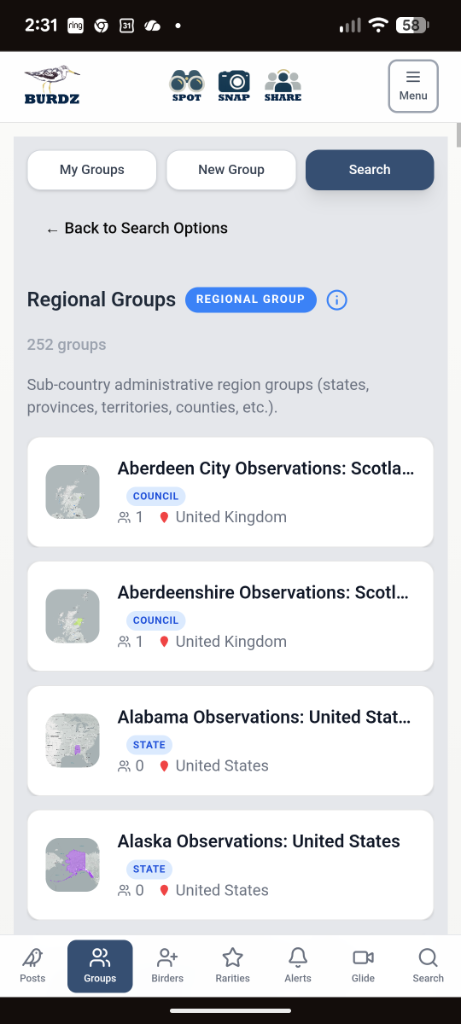
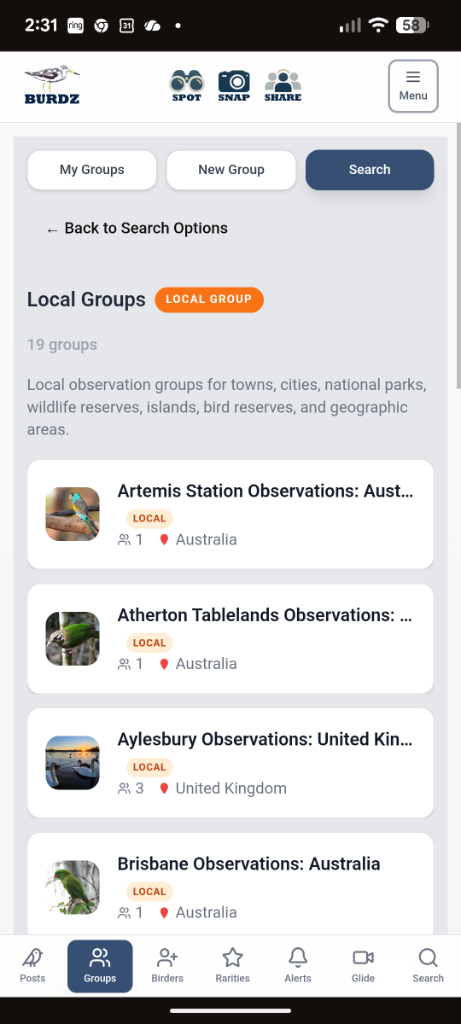
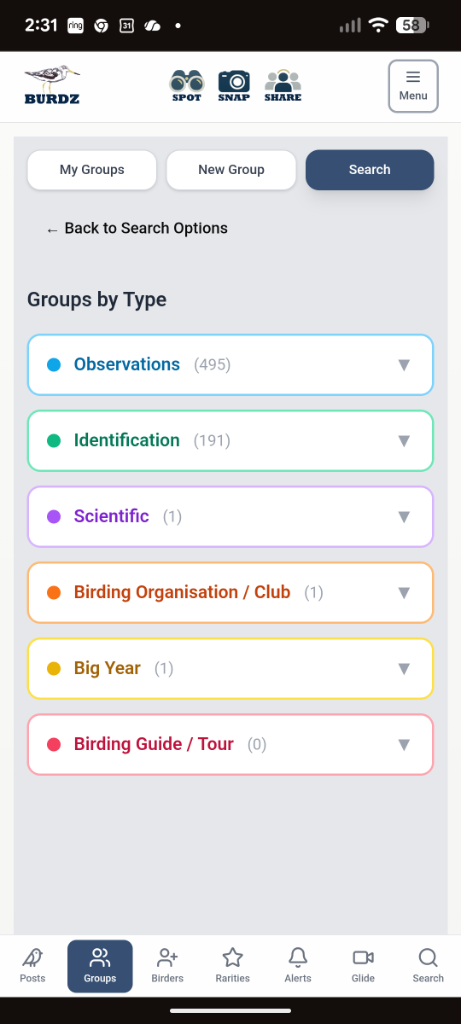
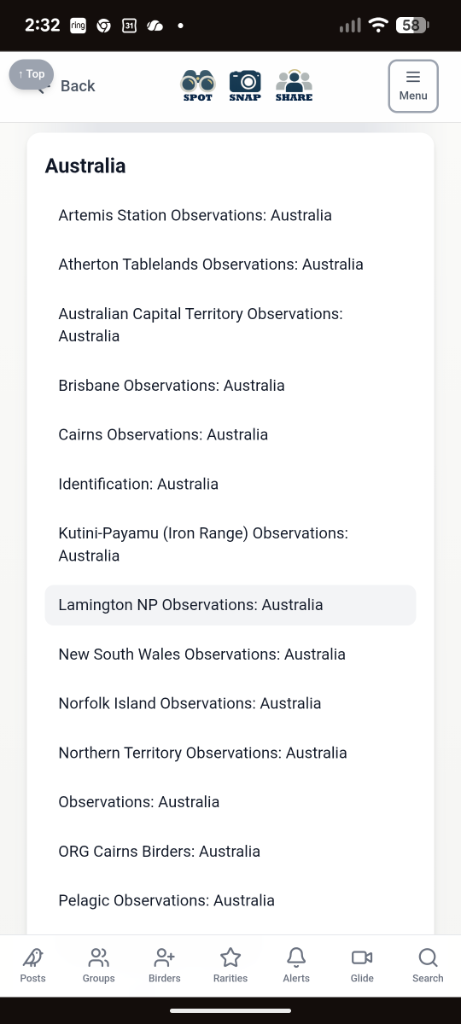
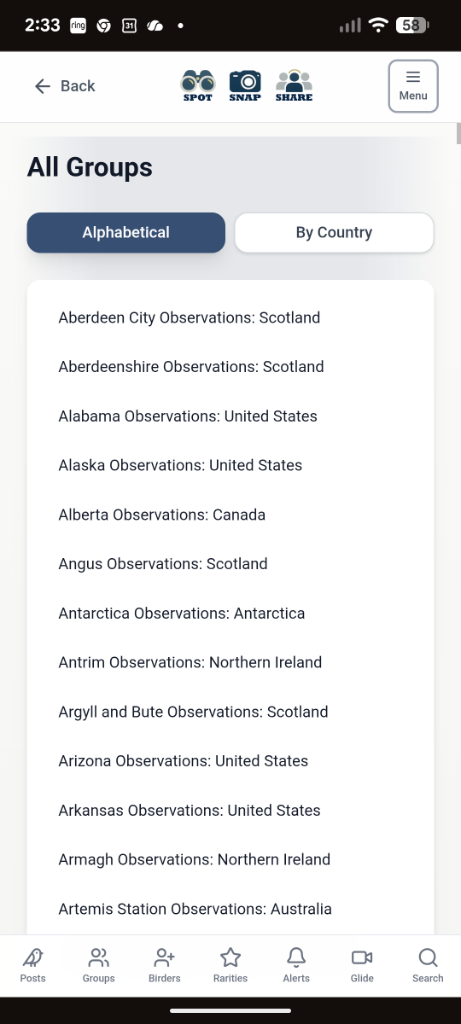
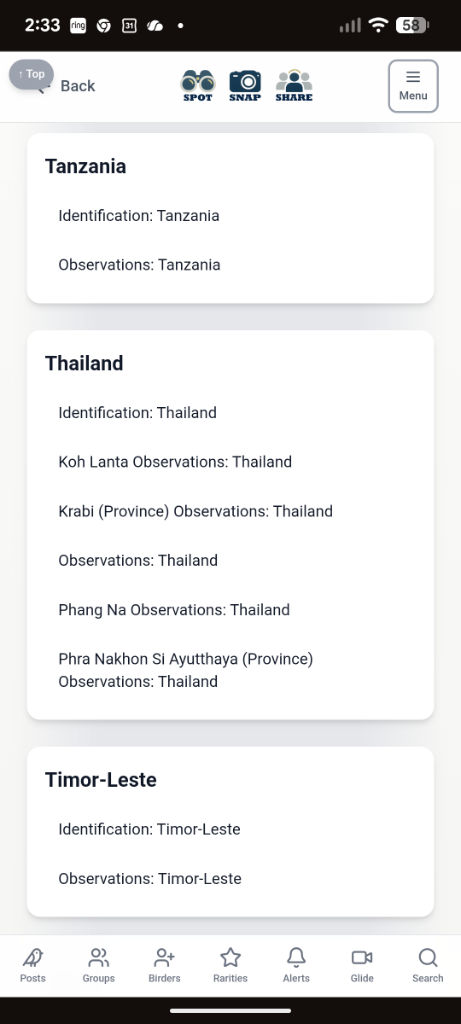
You can of course choose to not share your post to a group, or even hide your post. Unshared posts will only be visible to your Birder friends. If you set a GPS location however (by selecting a map location), these posts will automatically share to the regional group which the GPS location is a part of, and also to the "geozone" group. The regional groups are the sub-country level administrative groups, such as states, counties, prefectures, etc, and the geozone groups are generally locations (countries or territories) that are provided for geographic reference for Burdz posts only, and do not imply any position on sovereignty.
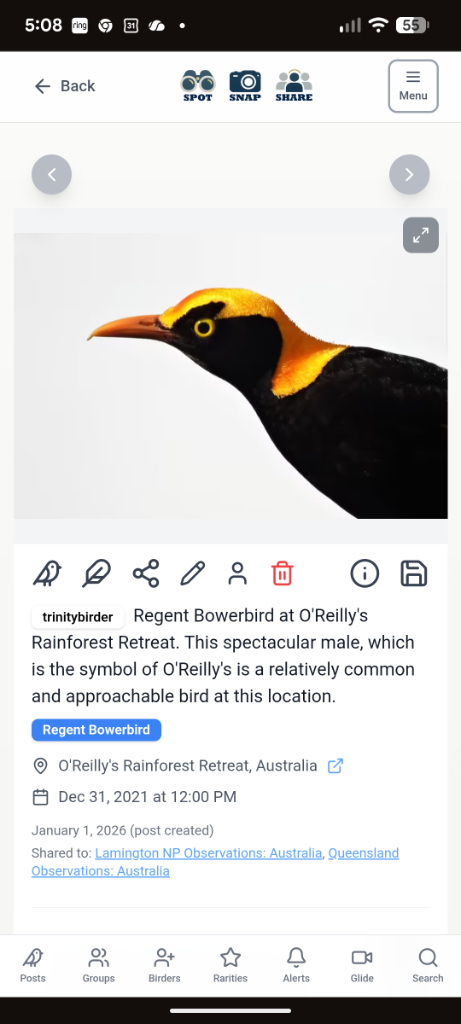
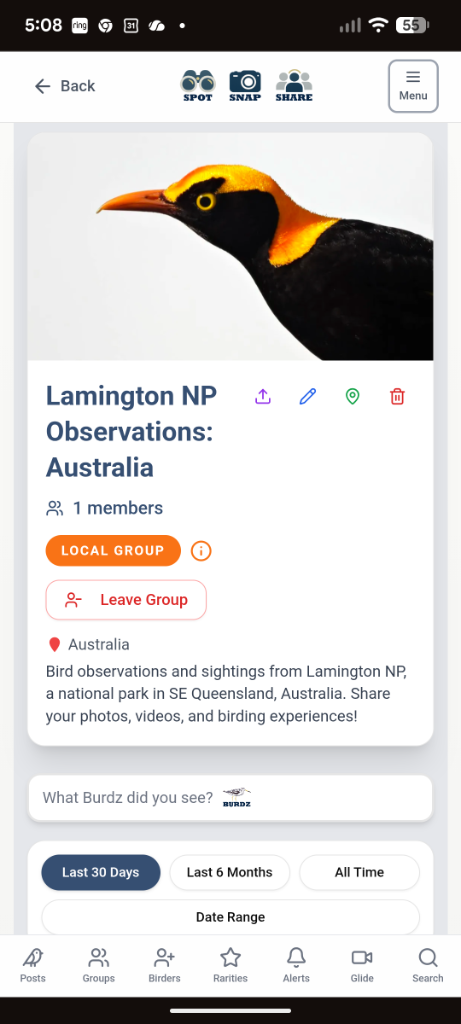
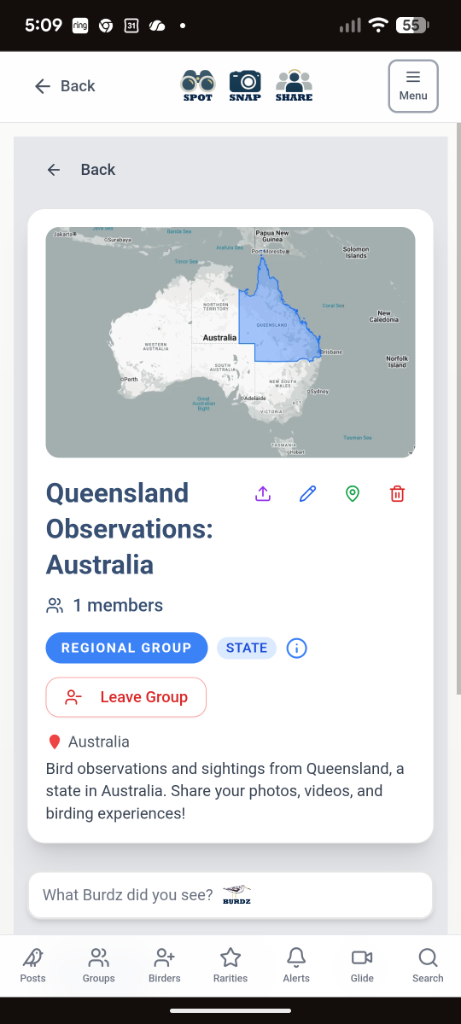
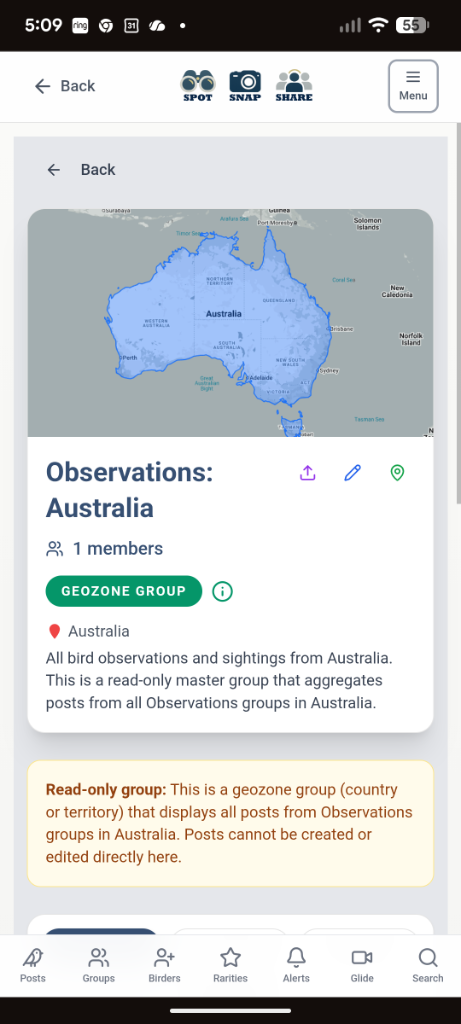
For example, this post of a Regent Bowerbird that was saved with a GPS location and shared to the local group "Lamington NP Observations: Australia", is autoshared to the regional group "Queensland Observations: Australia", and autoshared to the geozone group "Observations: Australia". If your post doesn't have a nearby site to share to, you can always share it to the regional group that bounds the post. You cannot share directly to a geozone group. You can view the last 24 hours of posts in the geozone in the "Universal Groups" group search, or in the [Observations]:[geozone] group.
Connect with Birders
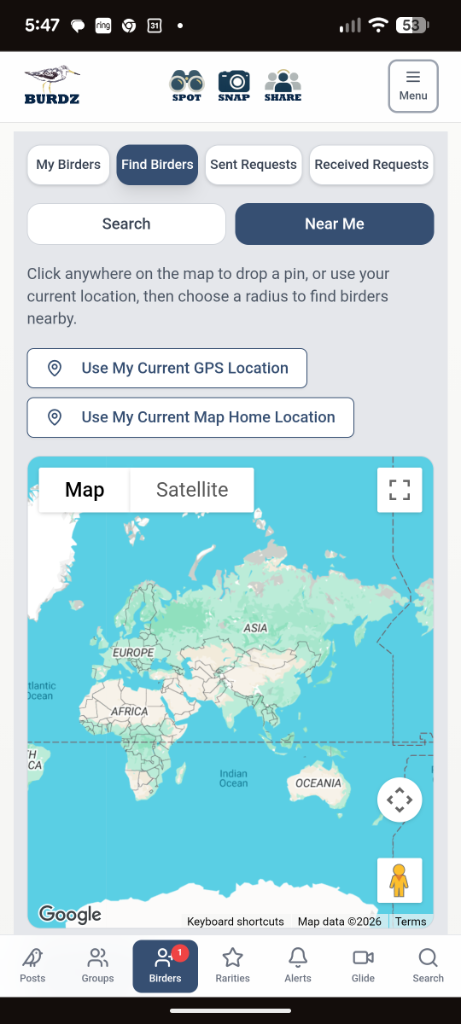
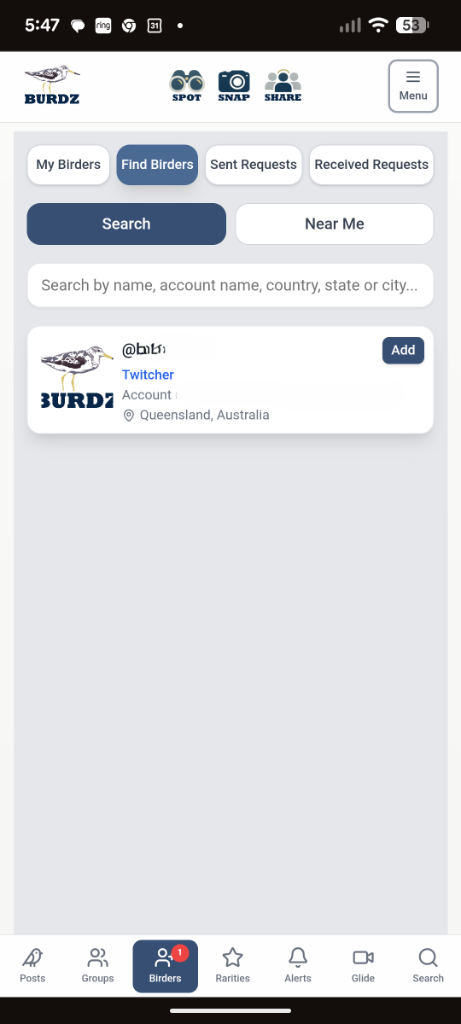
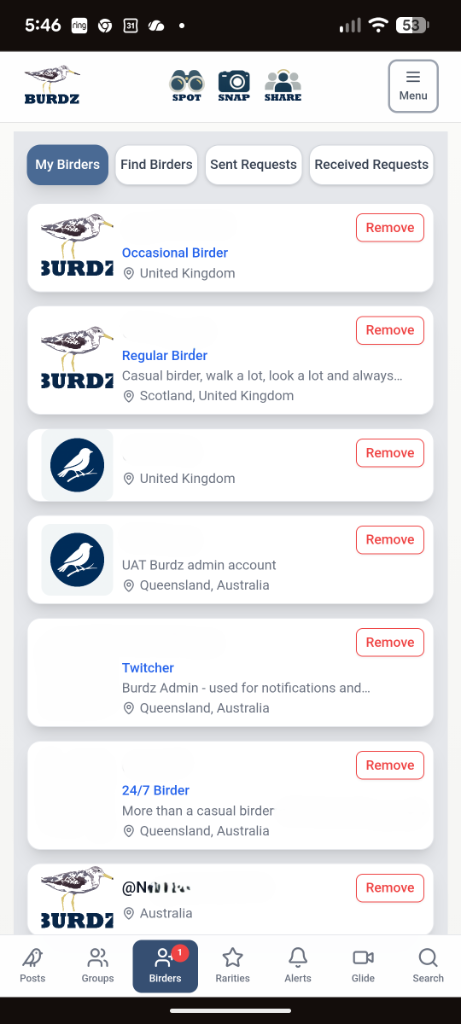
Friends on Burdz are simply called "Birders". Search for and connect with Birders via map, or by name, country, state or city.
Find rarities easily
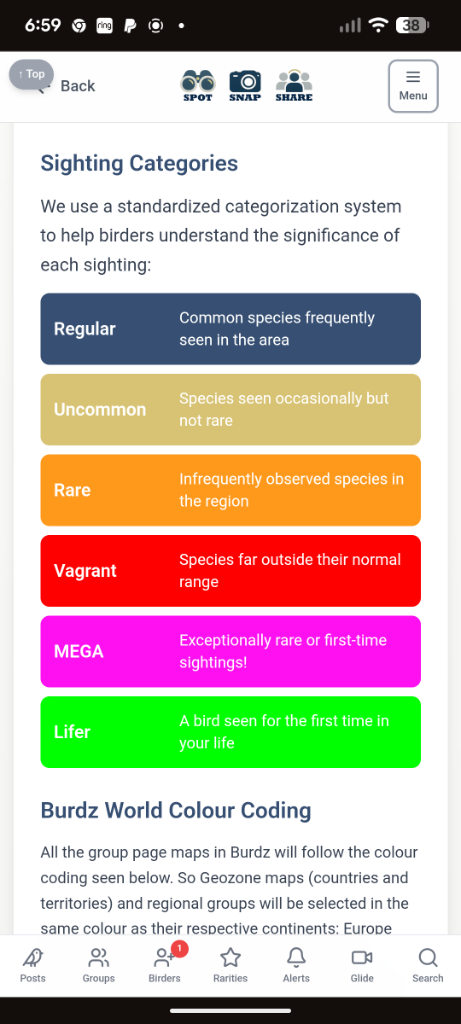
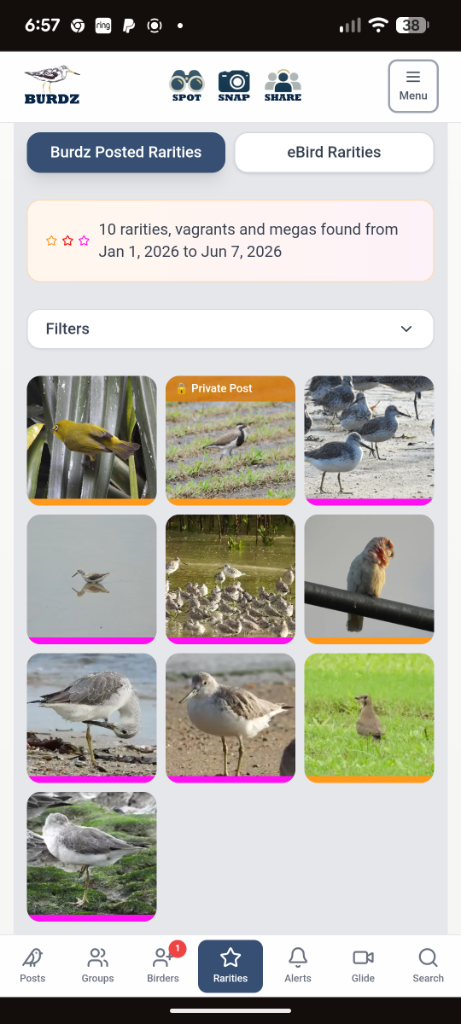
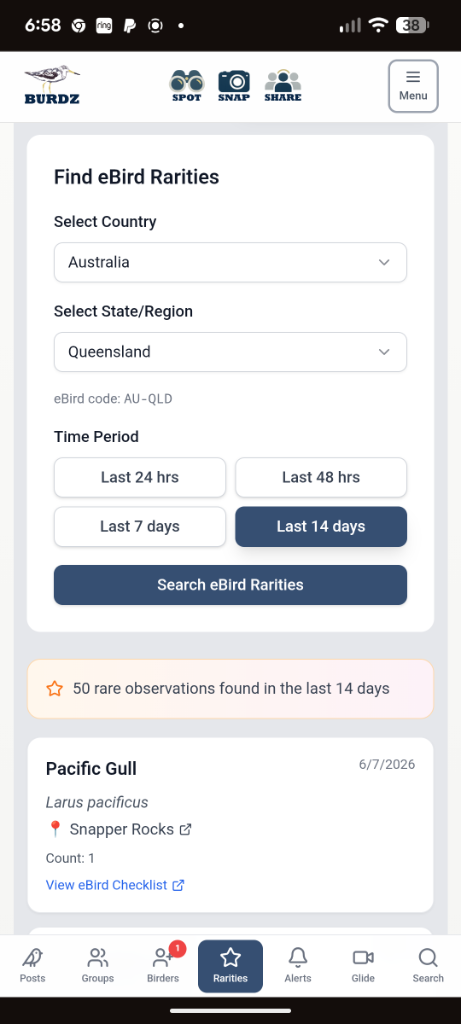
Burdz has a colour-coding for bird species that will appear as a thin line on your posts preview picture, if you select the category during post creation. In the Rarities selection, you can find the rare/vagrant/mega Burdz posts, or you have the option to search eBird rarities in any geozone and using the date selector. You'll never miss a rarity.
Watch the latest bird videos in Vidi
Vidi is the Burdz video feed. Every time a birder posts a video (max 10 second clips allowed), it will appear in chronological order in the Vidi feed.
Search for anything in Burdz
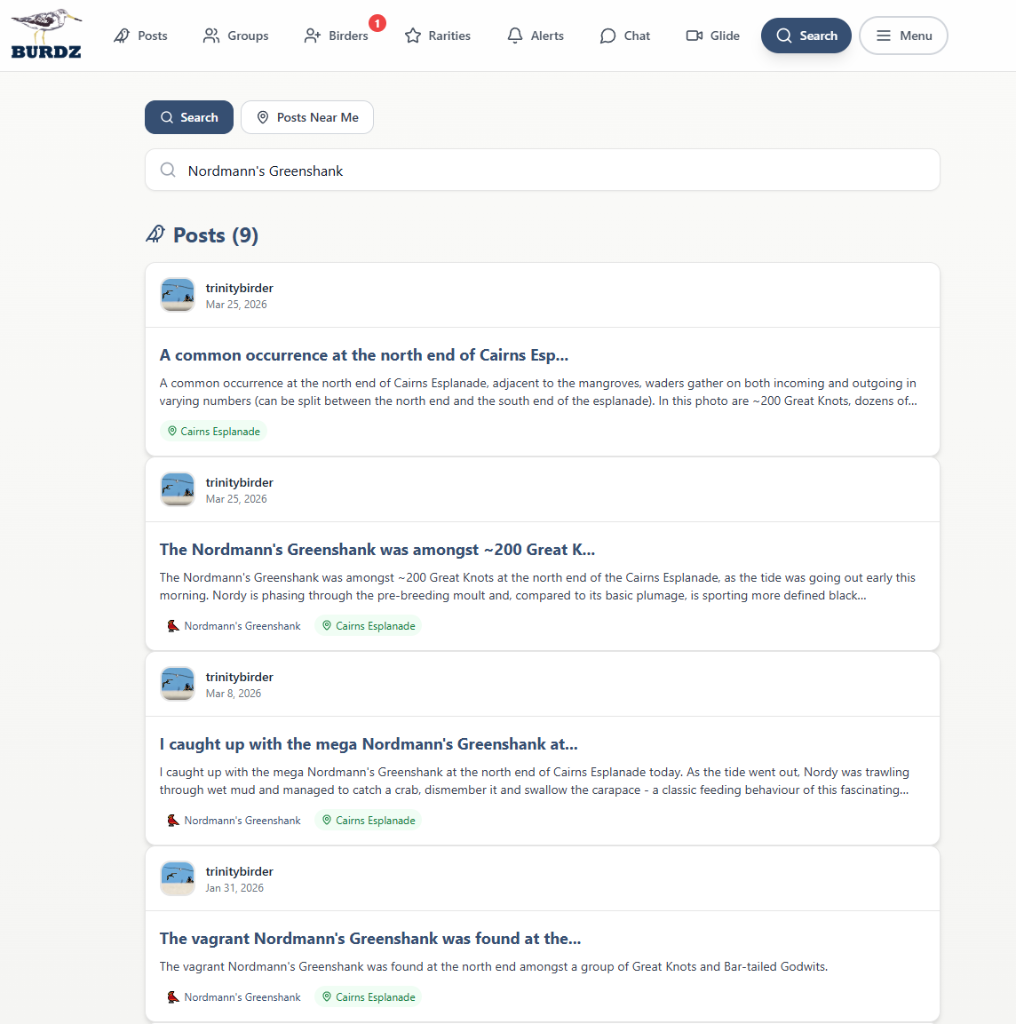
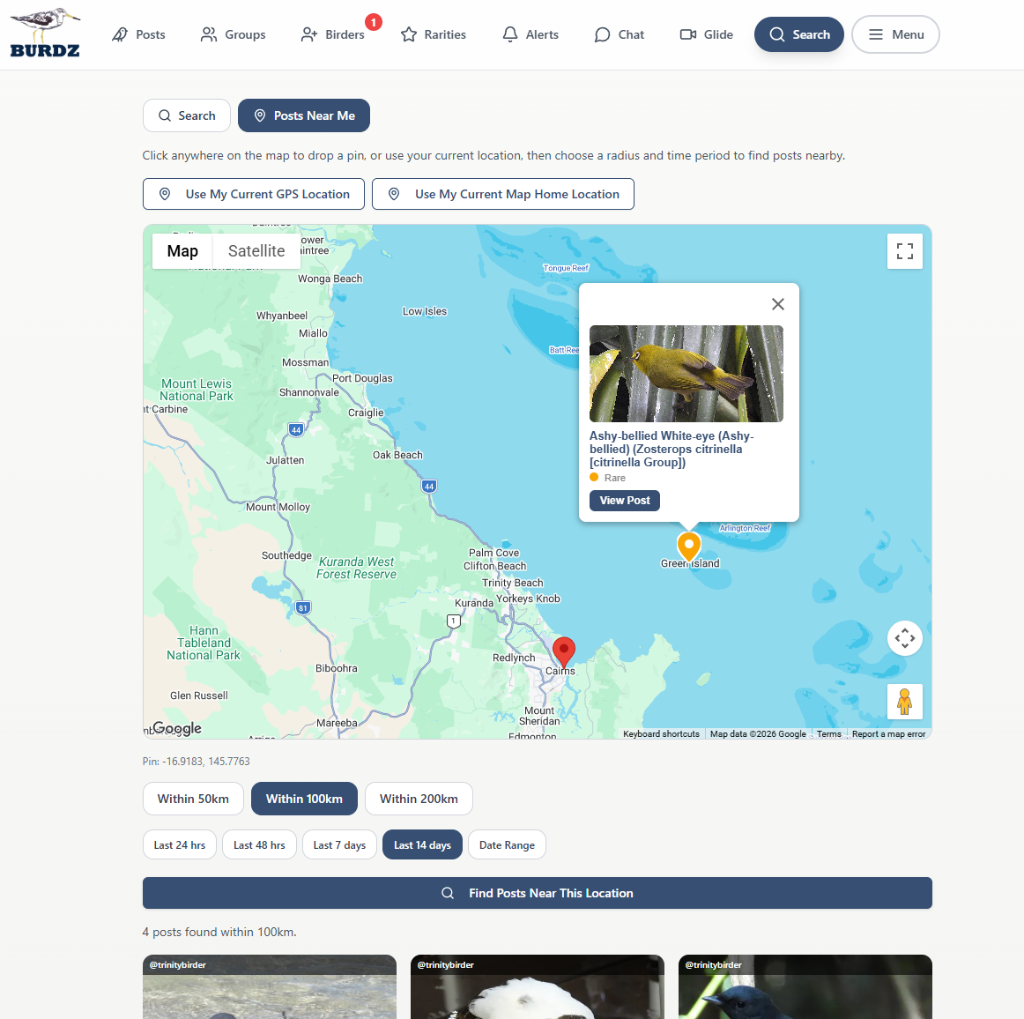
Burdz comes with a search tool that allows for a text search of any word or phrase. It will immediately find relevant posts that you can open from the search list. Also you can use the 'Posts Near Me' function to find posts near your location. These will display on a map, from where you can open them.
But wait! There's more!
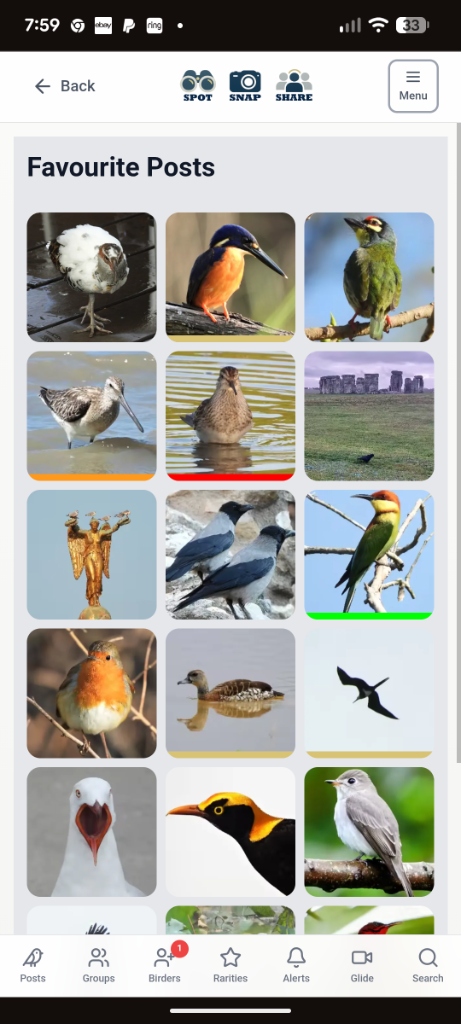
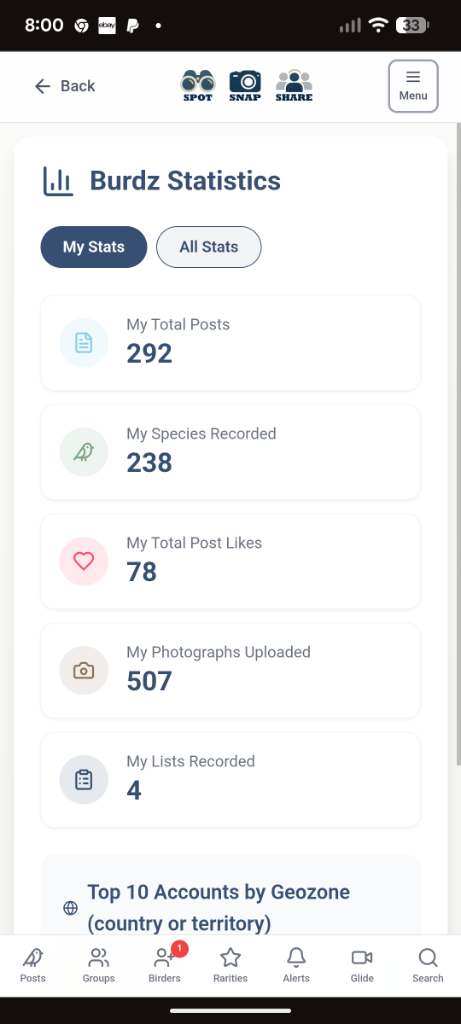
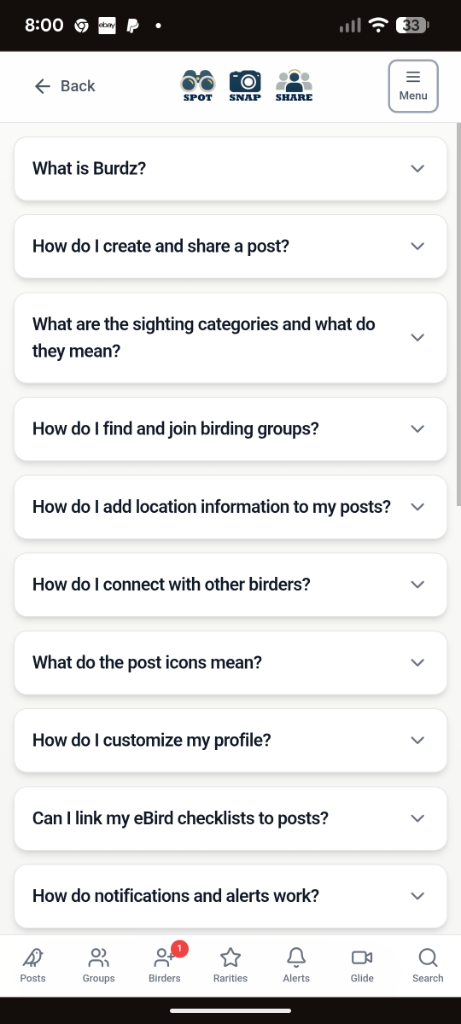
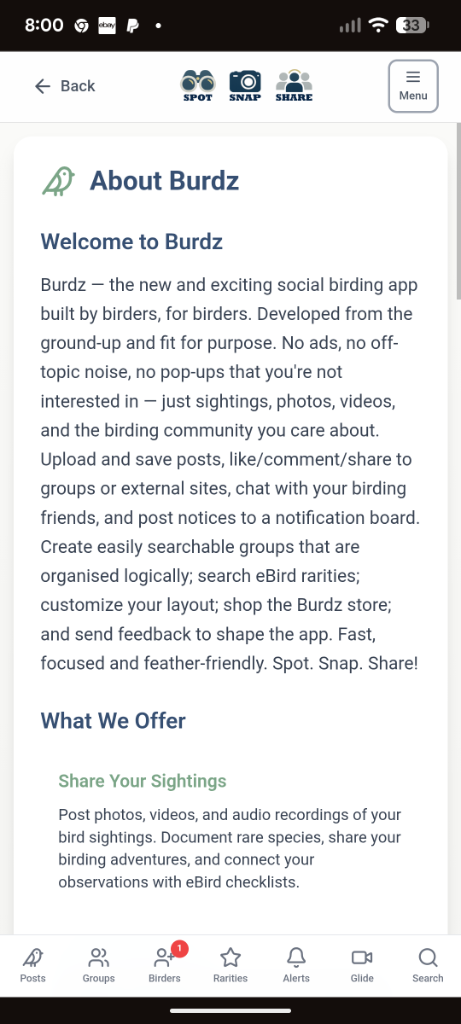
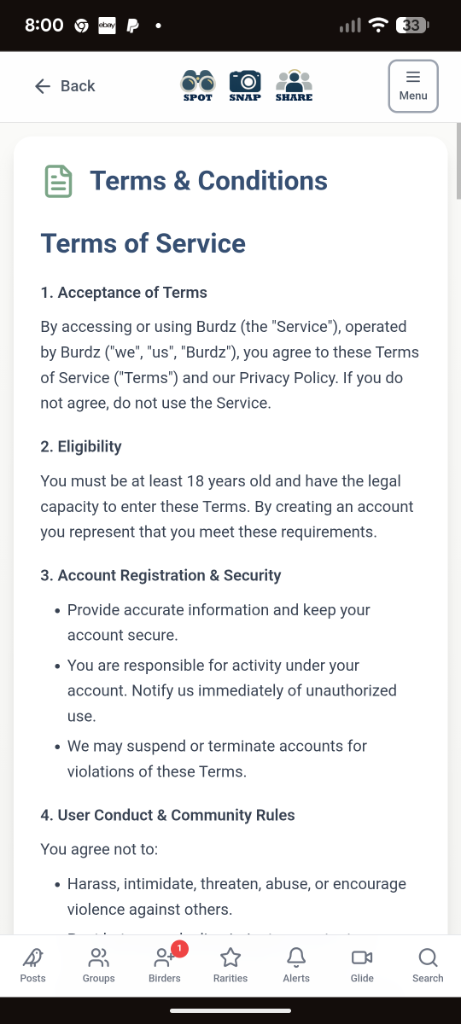
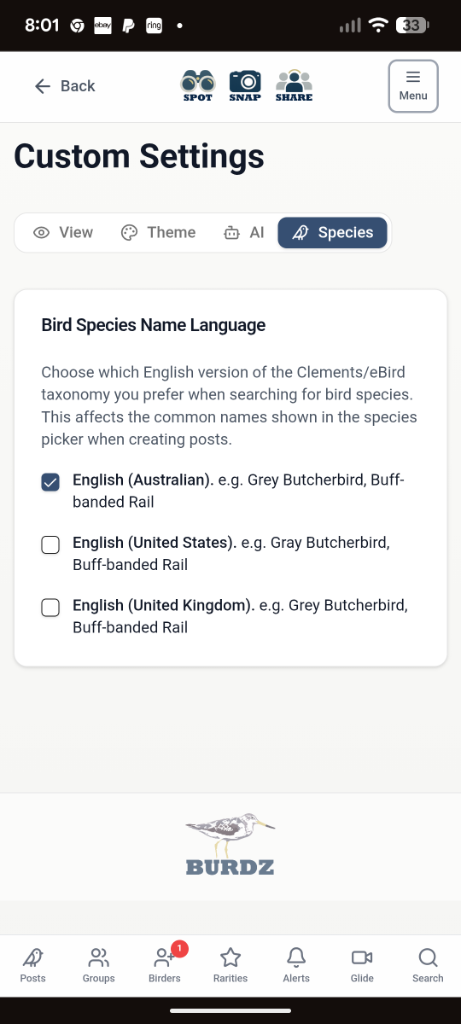
Much, much, more in fact: Albums to organise your trip posts; bird lists for logging your sightings; Bird ID — links to eBird and Birds of the World species pages, and search Xeno Canto in the app for bird sounds; save your favourite posts for quick reference; post to the public (or private — you choose) noticeboard; send feedback; look at your stats; read the FAQ; learn about Burdz; read the T&Cs; customise your settings...and...
The Burdz Store
...and last but not least, browse the Burdz store by clicking below. We have a few branded hats, t-shirts and other odds and ends at the moment, but watch this space!
How Burdz Membership Works
By signing up to Burdz, you create an account and immediately get a 7-day grace period, during which no financial information is provided to Burdz, but you get full access to the app and all features provided with standard user accounts.
After 7 days, you will be prompted to join Burdz as a subscriber for only USD $2 per month (converted to your country's exchange rate), but receive one full month (the first month) without being charged. During that free month you can cancel at any time without any charge. Burdz uses the internationally recognisable and reliable "Stripe" payments platform used by millions of businesses around the world, processing hundreds of billions of dollars in transactions per year. Find more information here: stripe.com/au/customers.
After the free month has expired you will be charged the subscriber fee every month. You can also cancel at any time. If you have already paid for a month and cancel at any time during that month, you will still have full access to the Burdz app for the remainder of that month you have paid for.
If you have any queries, contact contact@burdz.xyz.
1-Month Free Trial
Try Burdz completely free for 1 month, then just USD $2/month. No commitment — cancel anytime.
(Click 'Sign up' on the next screen to create your account)